AI Agent for Facebook Messenger: Automate Page DMs and Customer Questions

Rajni
Last updated on June 2, 2026
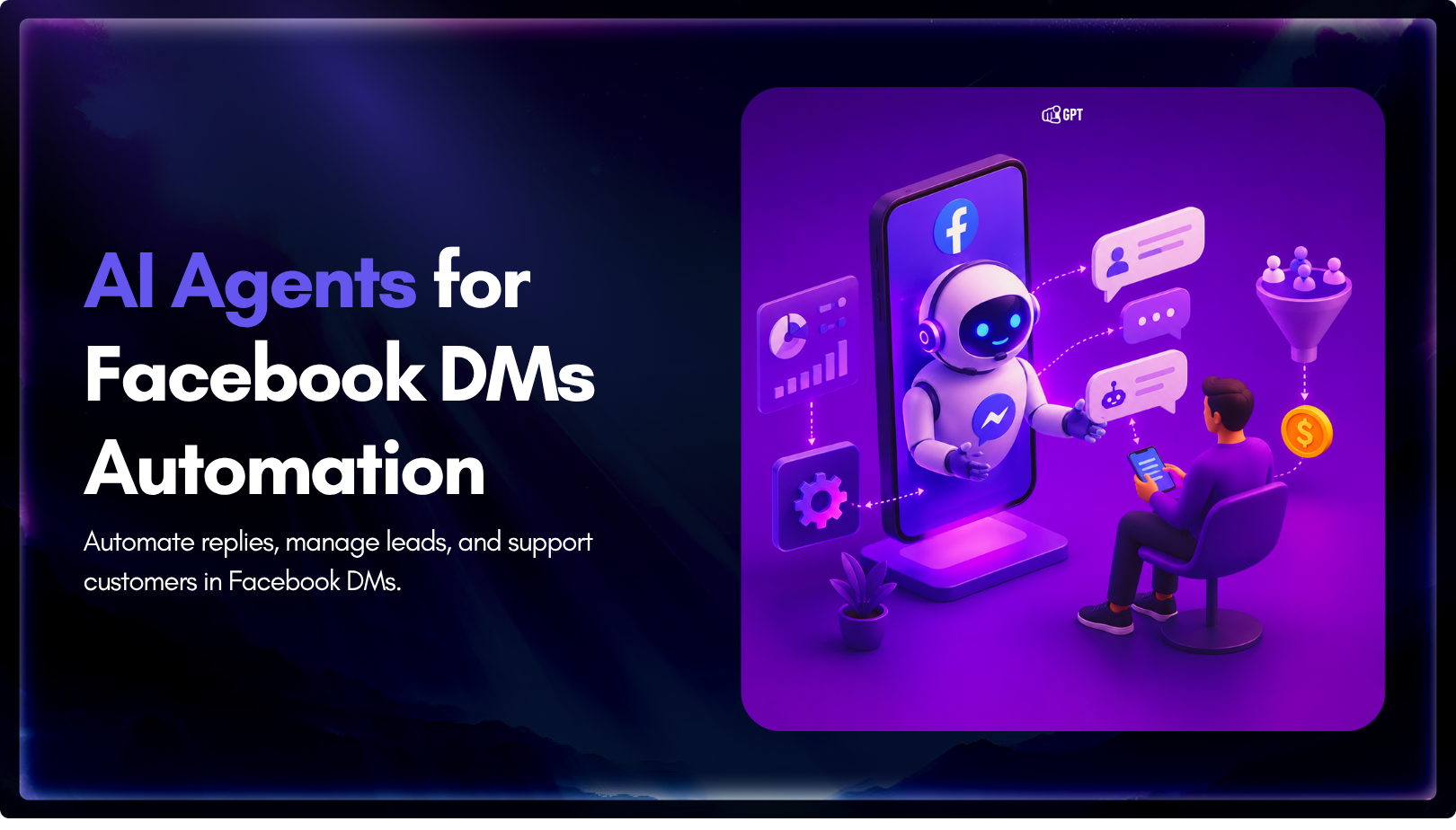
A Messenger AI agent helps businesses respond to Facebook Page DMs faster, answer customer questions using business data, and guide visitors toward the next step. With YourGPT AI for Messenger, businesses can enable 24/7 auto-replies, rich messages, multilingual support, human handoff, an omnichannel inbox, and no-code workflow automation.
Facebook Page DMs are often where customers ask questions before buying, booking, or requesting support. They may want to know about product availability, pricing, shipping, booking options, or how to reach a real person.
For businesses, the challenge is keeping up with these conversations during busy hours, weekends, different time zones, and across multiple channels. Slow replies can cause conversations to lose momentum, while fast and helpful replies can keep customers engaged.
A Messenger AI agent helps businesses manage this more efficiently. It can respond to incoming messages, answer common questions using business data, send interactive replies, support multiple languages, and hand conversations to a human agent when needed.
In this blog, we’ll cover how Messenger AI agents work, why they matter for Facebook Page DMs, what features to look for, and how to set one up with YourGPT.
Facebook Page DMs are more than a place for casual questions. For many businesses, they work as a customer support channel, lead collection point, sales inquiry channel, and follow-up space.
Customers use Messenger because it is simple and familiar. They can ask a question without filling out a form, waiting on a phone call, or sending a formal email. This makes Facebook Page DMs useful for ecommerce stores, local service businesses, clinics, real estate teams, education providers, consultants, travel companies, and customer support teams.
A customer may message your Page to ask:
The challenge is that messages do not always arrive when your team is available. Some come during working hours. Others come late at night, during weekends, or when the team is already handling other tasks. When replies are delayed, customers may lose interest or look somewhere else.
Fast response time also affects trust. Meta says the “Very Responsive” badge appears on a Page when it has a Messenger response rate of 90% or higher and a response time under 15 minutes.
A Messenger AI agent helps by giving customers a quick first response, answering common questions, and keeping the conversation moving until a human team member is needed.
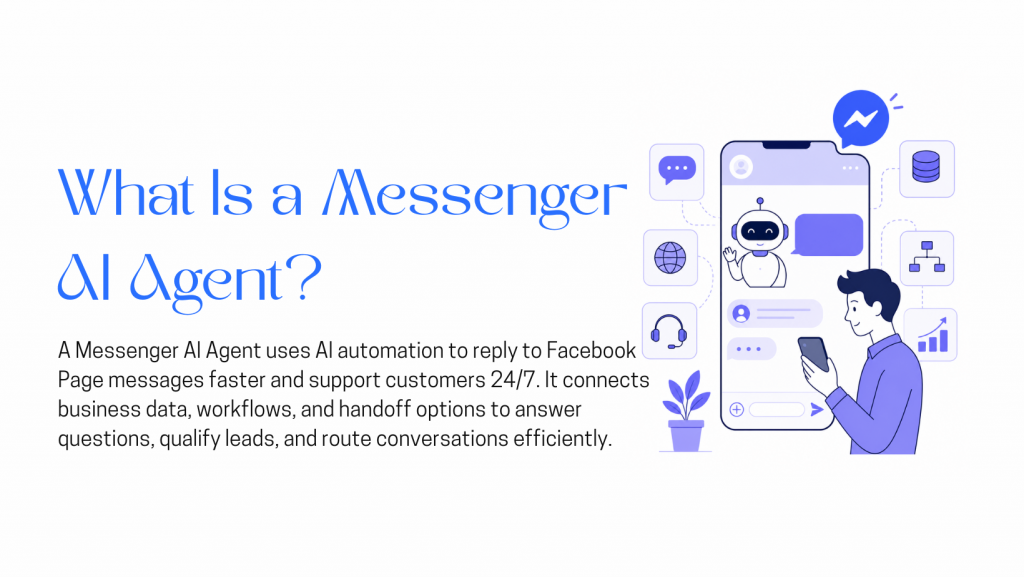
A Messenger AI agent is an AI-powered assistant connected to messaging channels such as Facebook Messenger, Instagram DMs, WhatsApp, or website chat. It can respond to incoming customer messages, answer questions using business information, guide users through simple flows, and hand conversations to a human agent when needed.
Older chatbots usually followed fixed scripts. They worked only when customers selected predefined options or asked expected questions. If the customer asked something outside the script, the bot often failed or gave a generic answer.
Modern AI agents are more flexible. They can be trained on business information such as FAQs, product details, service descriptions, policies, support articles, and website content. YourGPT describes its platform as a no-code AI agent builder that lets businesses create conversational AI trained on their own data and deploy it across websites, messaging apps, and social media.
A Messenger AI agent is best used as a first-line assistant. It can handle routine questions, collect basic information, share useful links, and escalate complex conversations to a human. It should not replace human support completely. The best setup combines AI speed with human judgment.
Messenger AI is built to help businesses manage Facebook Page DMs and other customer messaging channels with AI automation. Based on the video description, the main features include 24/7 auto-replies, training on business data, rich interactive messages, multilingual support, live human handoff, a shared omnichannel inbox, and a no-code flow builder.
Let’s break these down.
One of the most useful features of a Messenger AI agent is 24/7 auto-reply. Customers can message a business at any time, and the AI agent can provide an immediate response.
This is helpful when:
For example, if a customer asks about opening hours, product availability, shipping, or booking steps, the AI agent can reply immediately using your business knowledge base.
However, businesses should use this feature responsibly. “24/7 auto-reply” means the agent can respond to incoming customer messages. It should not be treated as unlimited outbound promotional messaging. Meta’s Messenger Platform policy says businesses have up to 24 hours to respond to a user under Standard Messaging.
A Messenger AI agent becomes useful when it understands your business. Generic replies are not enough. Customers want answers that match your actual products, services, policies, and processes.
With YourGPT, businesses can train an AI assistant using their own business knowledge. YourGPT’s official chatbot page says users can train a custom AI chatbot by uploading documents, adding website links, or connecting tools like a helpdesk, Notion, or Google Drive.
This helps the AI agent answer questions about:
A clear knowledge base helps the AI agent provide more relevant answers. It also helps keep replies consistent, so customers receive the same approved information even when they message at different times or through different channels.
The important point is that the AI is only as useful as the information behind it. If business details change, the knowledge base should be updated.
Customer conversations are easier when replies are not limited to plain text. YourGPT AI for Messenger can send rich and interactive messages such as product cards, quick replies, and links.
These message types help customers take action faster.
For example:
Meta’s Messenger developer documentation also supports structured message formats such as templates and quick replies, which can be used to create more guided Messenger conversations.
Rich replies help make conversations clearer. Instead of giving customers a long paragraph, the AI agent can guide them toward a useful next step.
Many businesses serve customers who speak different languages. This can be difficult for small teams, especially when customers message through social channels.
The uploaded video description says YourGPT AI for Messenger can reply in 100+ languages automatically. YourGPT’s features page also lists support for 100+ languages with built-in translation.
This is useful for:
A customer can ask a question in their preferred language, and the AI agent can respond using the business knowledge base.
For important information such as legal terms, refund rules, healthcare details, financial details, or policy language, businesses should still review multilingual responses carefully. AI translation can help, but sensitive information should be checked for accuracy.
AI automation should not block customers from reaching a person. Some conversations need human judgment, empathy, or approval.
A customer may ask for a human agent. Another may have a complaint, refund request, custom order, payment issue, or complex support question. In these cases, the AI agent should hand the conversation to a team member.
The YourGPT video description highlights instant live human handoff with a push notification when a customer asks for an agent. YourGPT’s official features page also lists human handoff for transferring conversations from AI to human agents.
A good handoff should:
This is one of the most important parts of a reliable Messenger AI setup. AI handles common questions, while humans manage conversations that need personal attention.
Customers do not always use one channel. A person may message a business on Facebook Messenger, then later use WhatsApp, Instagram, or website chat.
Managing these channels separately can create confusion. Messages may be missed, duplicated, or handled without context.
YourGPT AI for Messenger includes a shared omnichannel inbox for Messenger, WhatsApp, Instagram, and more, according to the video description. YourGPT’s official chatbot page also says chatbots can be deployed across platforms including WhatsApp, Telegram, Instagram, Messenger, Slack, and websites.
An omnichannel inbox helps teams:
For businesses receiving messages across several platforms, this can make daily communication easier to manage.
A Messenger AI agent can answer open-ended questions, but structured flows are useful for common customer journeys.
The video description mentions a no-code flow builder in YourGPT AI Studio for designing custom workflows. YourGPT’s features page also lists conversational flow design and sequential agents for building more advanced chatbot flows.
No-code flows can help with:
For example, a service business can create a flow that asks what service the customer wants, collects basic details, and shares a booking link. An ecommerce store can create a flow that helps customers choose a product category and then sends relevant links.
This makes automation easier for business teams that do not want to write code.
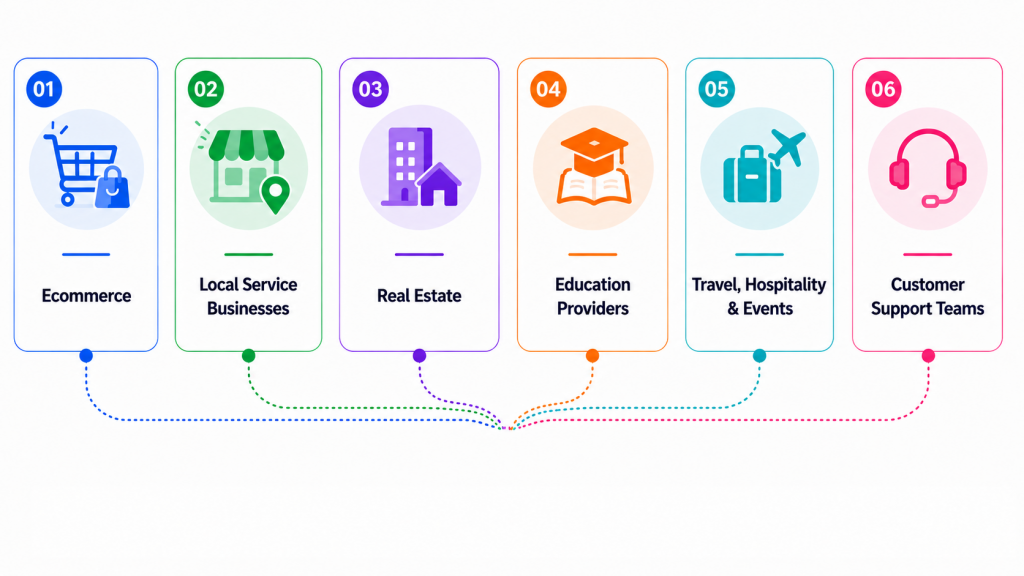
A Messenger AI agent works best for conversations that are common, repetitive, or easy to guide.
Ecommerce businesses can use a Messenger AI agent to answer questions about product details, availability, shipping, returns, and order-related support. The agent can also send product links or help customers choose from categories.
If the customer has a complex issue, the conversation can move to a human agent.
Local businesses can use the agent to answer questions about services, pricing, opening hours, location, appointment availability, and booking steps.
This is useful for salons, clinics, repair services, agencies, consultants, gyms, restaurants, and other service-based businesses.
Real estate teams can use a Messenger AI agent to collect buyer or renter preferences, share property details, answer common questions, and pass qualified inquiries to an agent.
The AI can ask for location, budget, property type, and preferred timing before a human follows up.
Schools, coaching centers, universities, and online course providers can use AI Messenger agents to answer questions about courses, admissions, schedules, fees, and contact options.
Travel agencies, hotels, event teams, and hospitality businesses can use the agent to answer questions about packages, dates, availability, booking steps, and location details.
Support teams can use Messenger AI agents to answer common questions, share support articles, collect issue details, and route complex cases to human agents.
These use cases are examples. The actual results depend on the quality of the knowledge base, workflow design, integrations, testing, and team follow-up.
Setting up a Messenger AI agent starts with building an assistant that understands your business, replies to customer messages, and supports your team when human handoff is needed.
YourGPT’s chatbot page describes a workflow that includes training the assistant with business knowledge, personalizing the chatbot experience, deploying across channels, and using analytics to optimize performance.
Here is a simple setup process.

Start by creating your YourGPT account. After signing up, you can access the AI chatbot builder dashboard, where you can create and manage your Messenger AI agent.
Once the agent is created, train it with your business information. Add the details your customers ask about most often, such as:
You can add business content such as text, PDFs, Word files, FAQs, website content, or other knowledge-base material, depending on your setup.
After adding business data, customize how the agent communicates. Set the tone and style based on your brand. For example, the agent can sound formal, friendly, neutral, helpful, sales-focused, or support-focused.
You can also adjust settings such as response length, conversation style, language behavior, and human handoff rules.
Before moving to integrations, test the agent inside the dashboard. Ask common customer questions and check whether the answers are accurate, clear, and aligned with your brand voice.

After creating and training the agent, connect it to the messaging channel where your customers contact your business.
This may include:
If your main goal is to manage Facebook Page DMs, connect the agent with Facebook Messenger. If your business also receives messages on WhatsApp or Instagram, connect those channels as well.
This setup helps your team manage customer conversations from one place instead of switching between different apps.
YourGPT AI Studio is designed for advanced use cases where you need strict control over how an AI agent follows a specific workflow.
Use AI Studio when you need more than general conversational responses. It is built for scenarios where the AI must guide customers through a structured journey, making sure no important information is missed and preventing random or off-script replies.
With the no-code flow builder, you can define the exact process, required questions, conditions, and actions. This enables the AI agent to handle controlled and predictable tasks, such as integrating with an Order Management System (OMS), syncing with a Customer Relationship Management (CRM) platform, or managing complex ticketing and scheduling workflows.
In short, AI Studio helps turn open-ended conversations into reliable, structured processes tailored for real-world business operations.
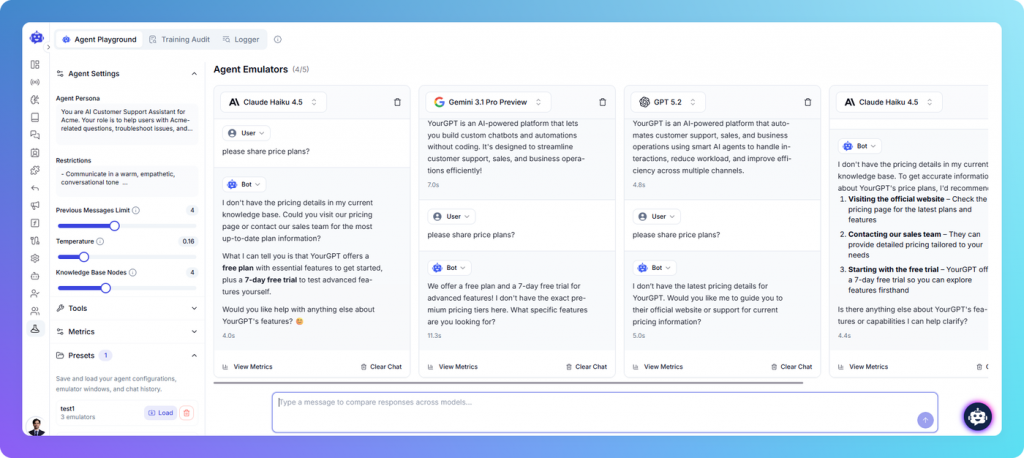
Before using the Messenger AI agent with real customers, test it carefully.
Send sample questions that customers are likely to ask. Test simple questions, product questions, support requests, incomplete questions, multilingual questions, and human handoff requests.
Check whether the agent:
After the agent is live, continue monitoring its performance. Use chatbot analytics to track chat volume, common questions, and areas where the agent needs improvement. YourGPT’s chatbot page mentions analytics for tracking conversations, gaining customer insights, and optimizing the AI agent over time.
Review conversations regularly to find:
Keep the knowledge base updated whenever your business changes something important, such as new products, updated services, new pricing, changed policies, new FAQs, booking links, or support process changes.
A Messenger AI agent works best when it is reviewed and improved regularly.
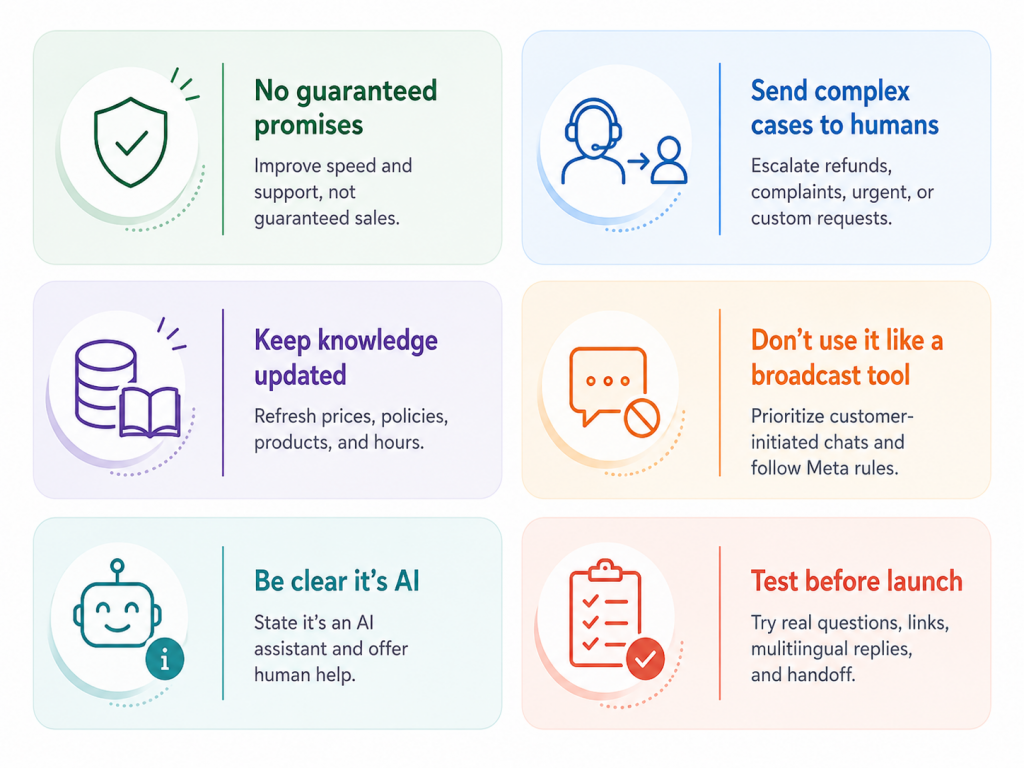
A Messenger AI agent works best when it has clear limits, updated business information, and an easy path to human support. It should help customers get faster answers, not handle every conversation on its own.
To get better results from a Messenger AI agent, start with a clear knowledge base. Add the information customers ask about most often and keep it updated.
Next, create simple flows for the most common customer journeys. Do not try to automate everything on the first day. Start with FAQs, product inquiries, lead collection, booking steps, and human handoff.
Use rich replies where they are helpful. Product cards, quick replies, and links can make conversations easier, but they should not make the customer experience confusing.
Make human handoff available. Customers should be able to reach a person when they need one.
Review conversations after launch. Look for questions the AI could not answer, missing details in the knowledge base, and moments where handoff should happen sooner.
Finally, keep the customer experience simple. The goal is not to create the most complex chatbot. The goal is to help customers get useful answers and move to the next step.
A Messenger AI agent is an AI-powered assistant that replies to customer messages on channels like Facebook Messenger, Instagram DMs, WhatsApp, or website chat. It can answer common questions, share useful links, guide customers through simple flows, and hand the conversation to a human agent when needed.
It helps businesses reply faster to incoming Facebook Page messages. Instead of waiting for a team member to check the inbox manually, the AI agent can answer common questions about products, services, pricing, booking, shipping, policies, or support. This helps keep conversations active while the customer is still interested.
Yes. A Messenger AI agent can be trained on your business data, such as FAQs, product details, service information, policies, support content, website pages, and other knowledge-base material. This helps the agent give answers that are specific to your business instead of sending generic chatbot replies.
No. While the blog focuses on Facebook Page DMs, the agent can also support other messaging channels depending on your setup. YourGPT AI for Messenger highlights a shared omnichannel inbox for Messenger, WhatsApp, Instagram, and more, so teams can manage conversations from one place.
Yes. Human handoff is an important part of a good Messenger AI setup. If a customer asks for a person, has a complaint, needs help with a payment issue, or has a complex request, the conversation can be passed to a human agent. This keeps automation useful without blocking customers from real support.
A Messenger AI agent can send more than plain text. It can support rich and interactive replies such as product cards, quick replies, links, and structured messages. These help customers choose an option, open a product page, visit a booking link, or move to the next step more easily.
Yes. YourGPT AI for Messenger supports automatic replies in 100+ languages, according to the video description. This is useful for businesses that serve customers from different regions or multilingual audiences.
No. The setup can be done through YourGPT AI Studio using a no-code approach. You can create the agent, train it on business information, connect messaging integrations, and optionally build conversation flows without writing code.
Track common questions, chat volume, response quality, handoff cases, outdated links, and unanswered questions. After launch, review conversations regularly and update the knowledge base whenever your products, services, pricing, policies, or booking links change.
No. It should support your team, not replace it. The AI agent is best for routine questions, quick replies, lead collection, and basic guidance. Human agents are still needed for complex, sensitive, urgent, or high-value conversations.
Facebook Page DMs are an important communication channel for businesses. Customers use them to ask questions about products, services, pricing, bookings, shipping, support, and next steps.
A Messenger AI agent helps businesses respond faster and manage these conversations more efficiently. With YourGPT AI for Messenger, businesses can use an AI agent trained on their own data, send rich interactive messages, reply in 100+ languages, hand conversations to human agents, manage multiple channels from one inbox, and build custom workflows with a no-code flow builder.
The strongest value of a Messenger AI agent is not that it replaces people. Its value is that it helps teams handle routine conversations faster, keep replies consistent, and make human support available when it matters most.
For businesses that receive regular Facebook Page messages, YourGPT AI for Messenger offers a practical way to improve response speed, support customer engagement, and keep conversations moving from the first message to the next meaningful action.
With YourGPT AI for Messenger, train on your data, reply faster, support multilingual chats, and hand off to your team. No coding needed.
Connect Messenger, WhatsApp, Instagram, and more from one shared inbox.
Run WordPress customer service alone. Train a YourGPT agent on your help pages, test it on real tickets, install the plugin, and get only the exceptions.

Learn how to judge Shopify AI resolution rates with clear formulas, a worked example, ticket-level checks and practical ways to improve support quality.
TL;DR B2B customer service means supporting multiple people within the same account, including end users, admins, finance or procurement contacts, and executive sponsors, each with a different definition of a resolved ticket. Traditional support bots handle one conversation at a time and often lose account context when requests move between contacts, channels, or teams, forcing […]
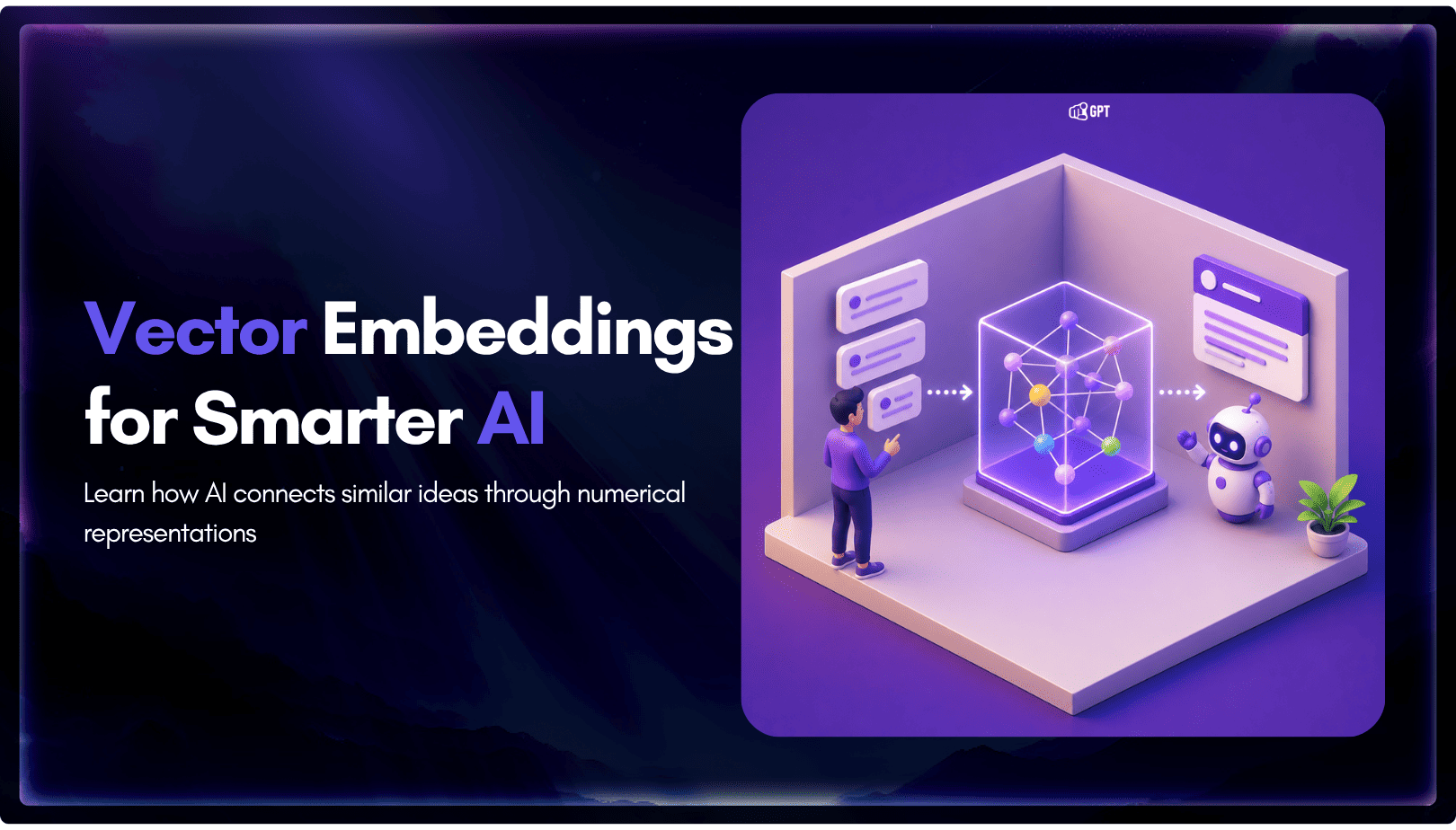
TL;DR A vector embedding is a list of numbers that represents meaning, placing similar concepts closer together in a mathematical space. AI chatbots use embeddings to match questions by meaning rather than exact wording, which is a core part of retrieval-augmented generation (RAG). Anthropic recommends Voyage AI for embeddings, while OpenAI, Google, and Cohere provide […]
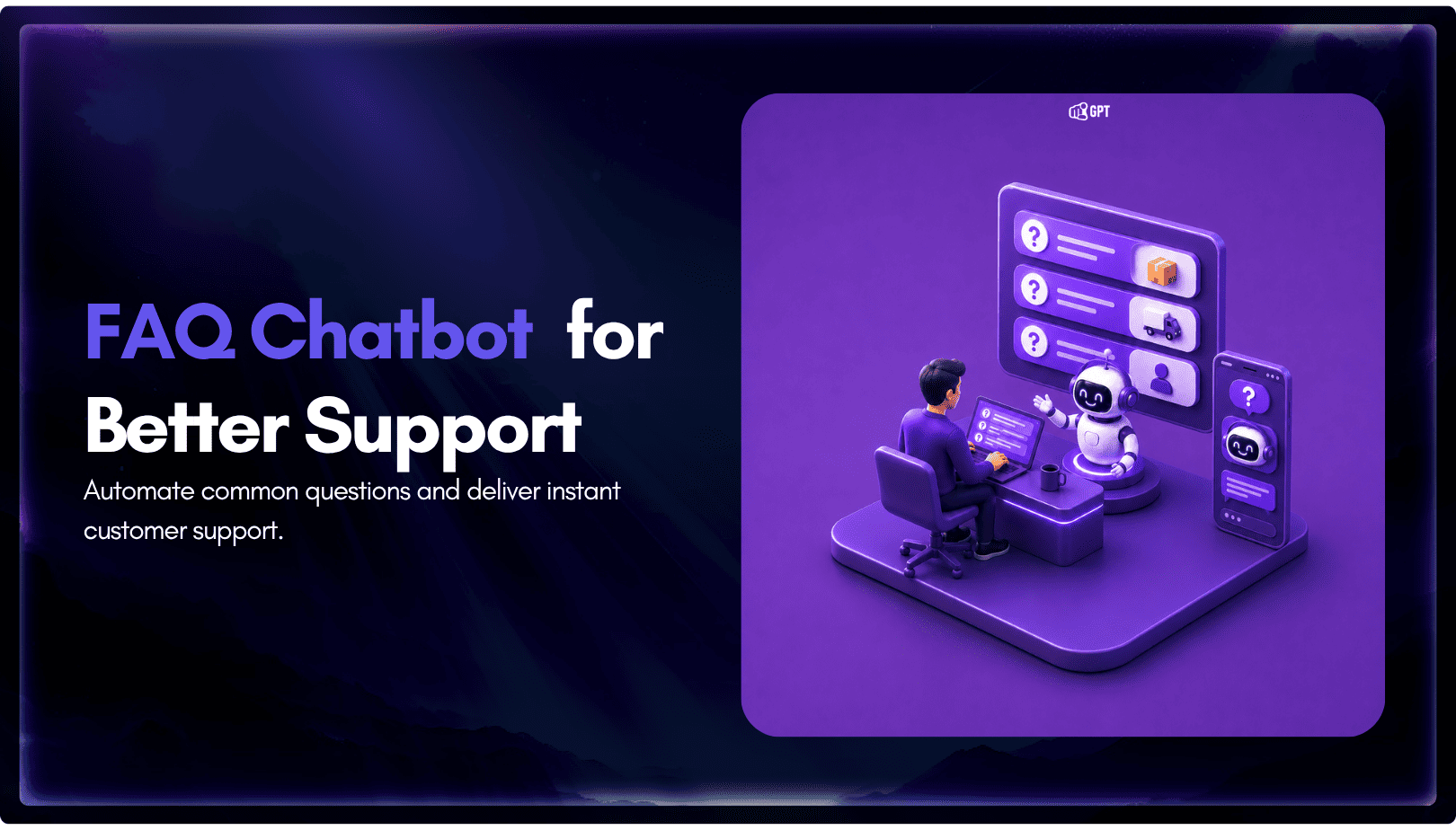
TL;DR An FAQ chatbot answers repetitive questions by matching user queries with a knowledge base and returning grounded responses using rules, AI retrieval, or both. Modern FAQ chatbots use confidence checks to deliver instant answers for strong matches and fall back to broader retrieval or human handoff when confidence is low. Rule-based bots work well […]
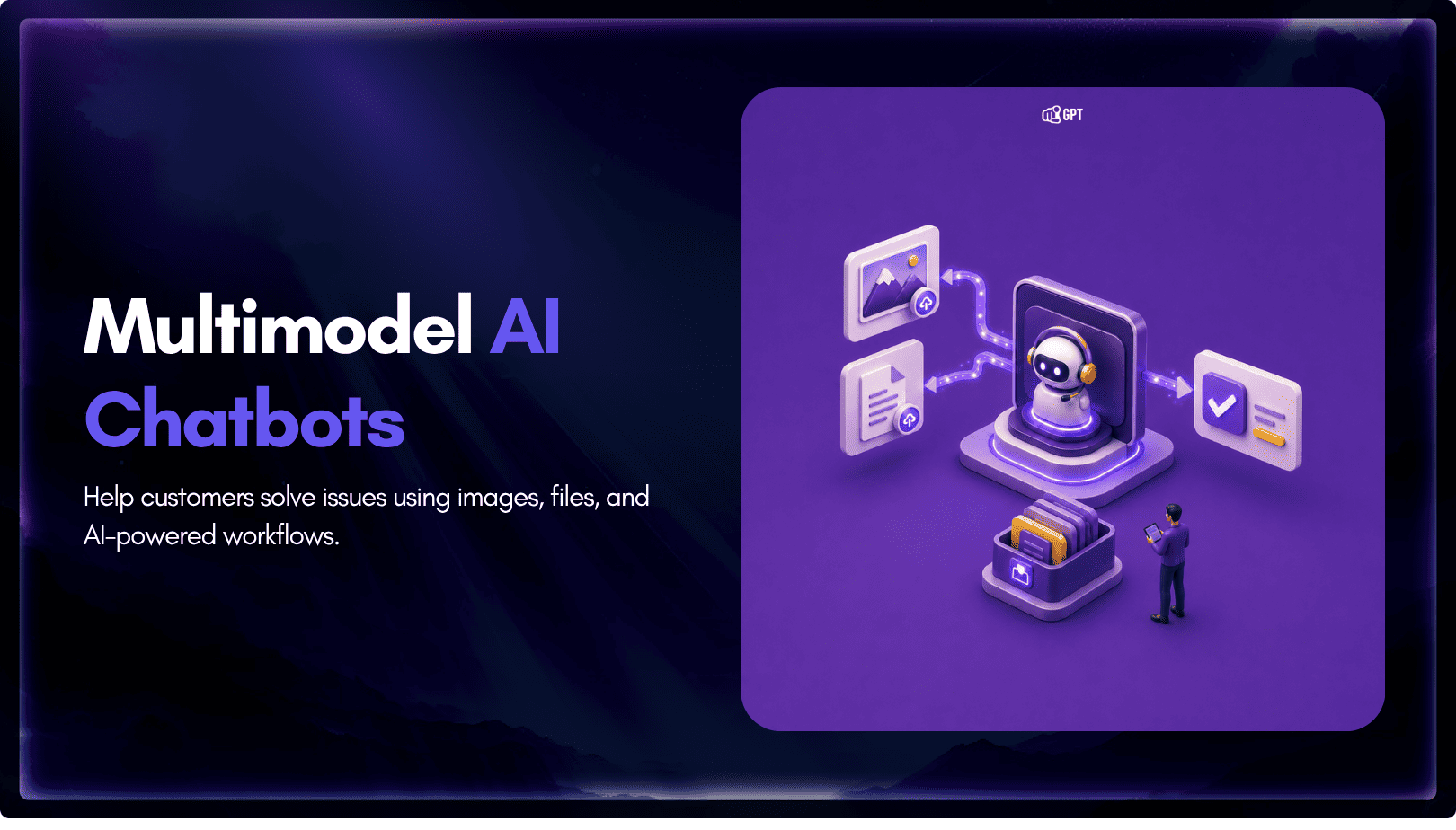
TL;DR Multimodal chatbots let customers share photos, screenshots, documents, video, or audio directly in a conversation, giving AI more context than text alone. YourGPT’s Attachment Capture node in AI Studio can collect these files mid-conversation, while vision-capable AI models can analyze and understand their contents. Key use cases include ecommerce returns, insurance and warranty claims, […]