Build a Custom ChatGPT Bot for Your Discord Server [Under 5 Mins]

Neha
Last updated on February 9, 2026
![Build a Custom ChatGPT Bot for Your Discord Server [Under 5 Mins]](https://s3.us-east-2.amazonaws.com/assets.yourgpt.ai/content/uploads/2024/09/23092213/Discord-AI.jpg)
Discord has grown from a gaming chat platform to a popular space for businesses and communities, with 150 million monthly users.
Managing a busy Discord server can be challenging, especially as your community expands. Handling conversations and support effectively becomes a significant task.
AI bots is a solution that can simplify your server management, making communication more efficient. In this blog post we see how AI bots can improve your Discord server and how you can setup one for you.
An AI bot for Discord is an automated program that uses artificial intelligence to understand and respond to user messages. Powered by ai models like GPT-4, claude3.5, these bots can:
As your server grows, handling the increasing number of messages can become challenging. Some of the common issues business face:
These challenges can affect customer satisfaction and put pressure on your team. AI bots can help address these issues, making server your more efficient and effective.
Adding a GPT-powered chatbot to your Discord server can improve communication and enhance user engagement. First you need to setup your YourGPT Chatbot, if you have not setup then follow: How to Make a Custom ChatGPT Chatbot in 2 Minutes
Here’s a straightforward guide to get your Discord GPT bot up and running in just five steps:
1. Sign Up or Log In: Start by creating an account or logging into the Discord Developer Portal.

2. Create a New Application: Click on “New Application” and enter a name for your bot. This name will represent your bot within Discord.
3. Save Your Application: After naming your application, hit “Save Changes.” You now have a basic application that will host your bot.
1. Add a Bot to Your Application: Go to the “Bot” tab on the left sidebar within your application settings and click “Add Bot.” Confirm by clicking “Yes, do it!”.

2. Generate a Bot Token: Under the “Bot” tab, click “Copy” next to the Token field. This token is crucial as it allows your bot to interact with Discord. Keep this token secure don’t share it with anyone.

1. Add the Values like Application ID, Access Token and Public Key to active the bot.
1. Access OAuth2 Settings: Go to the “OAuth2” tab in your application settings. This section is where you’ll set the permissions your bot needs.

2. Set Permissions: In the “OAuth2 URL Generator” section, select the permissions your bot requires. For example, to send and manage messages, check “Send Messages” and “Manage Messages.”
3. Generate an Invite Link: Once you have set the permissions, copy the generated URL. Paste this URL into your browser to invite the bot to your server. Follow the prompts to authorize it.
/ask to start interacting with your bot.
Various industries are using GPT Discord bots to improve there server:
To make the most of your AI chatbot, consider these best practices:
Implementing these practices will help maximize the effectiveness of your AI chatbot and improve overall server management.
AI bots are constantly improving. Here is what you can expect in the near future:
AI bots are programs built to mimic human intelligence. They can understand text or voice inputs from users and respond in a conversational way using natural language processing and machine learning. As more people interact with them, they get better at understanding and replying. You’ll often see AI bots used in customer support or online shopping to make interactions more personalized and efficient.
To get a Discord bot token, you need to create a Discord application first. Go to the Discord Developer Portal and log in. Click “New Application,” name it, and go to the “Bot” tab. Click “Add Bot” to create one. You’ll find an option to generate your token; copy it and keep it secure. This token is crucial for authenticating your bot and should not be shared publicly.
Follow these steps to add your GPT chatbot:
To use a GPT Discord bot, first install the YourGPT Chatbot on your server and simply type commands in the chat.
AI chat bots are changing the way businesses manage their Discord servers. They provide an effective solution for handling growing communities, improving response times.
When considering an AI chatbot for your Discord server, it is essential to select a solution that meets your specific needs.
By integrating an AI bot, you can enhance your Discord community’s responsiveness and efficiency, leading to greater user satisfaction and more manageable support operations.
Join thousands of businesses transforming customer interactions with YourGPT Chatbot
No credit card required • 7 days access • Limited time offer
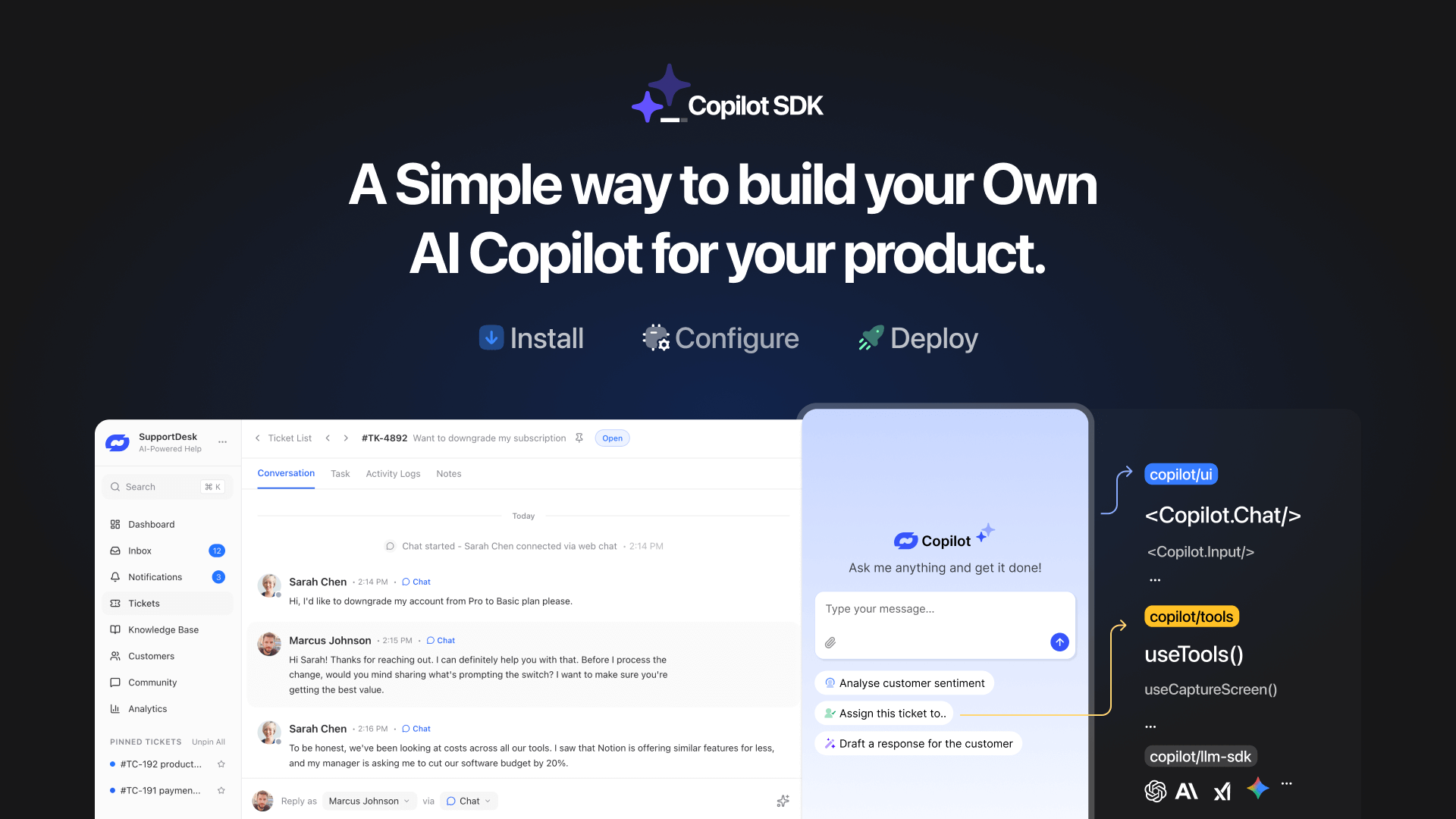
TL;DR YourGPT Copilot SDK is an open-source SDK for building AI agents that understand application state and can take real actions inside your product. Instead of isolated chat widgets, these agents are connected to your product, understand what users are doing, and have full context. This allows teams to build AI that executes tasks directly […]

Businesses today expect AI to do more than answer questions. They need systems that understand context, act on information, and support real workflows across customer support, sales, and operations. YourGPT is built as an advanced AI system that reasons through tasks and keeps context connected across every interaction. This intelligence sits inside a complete platform […]

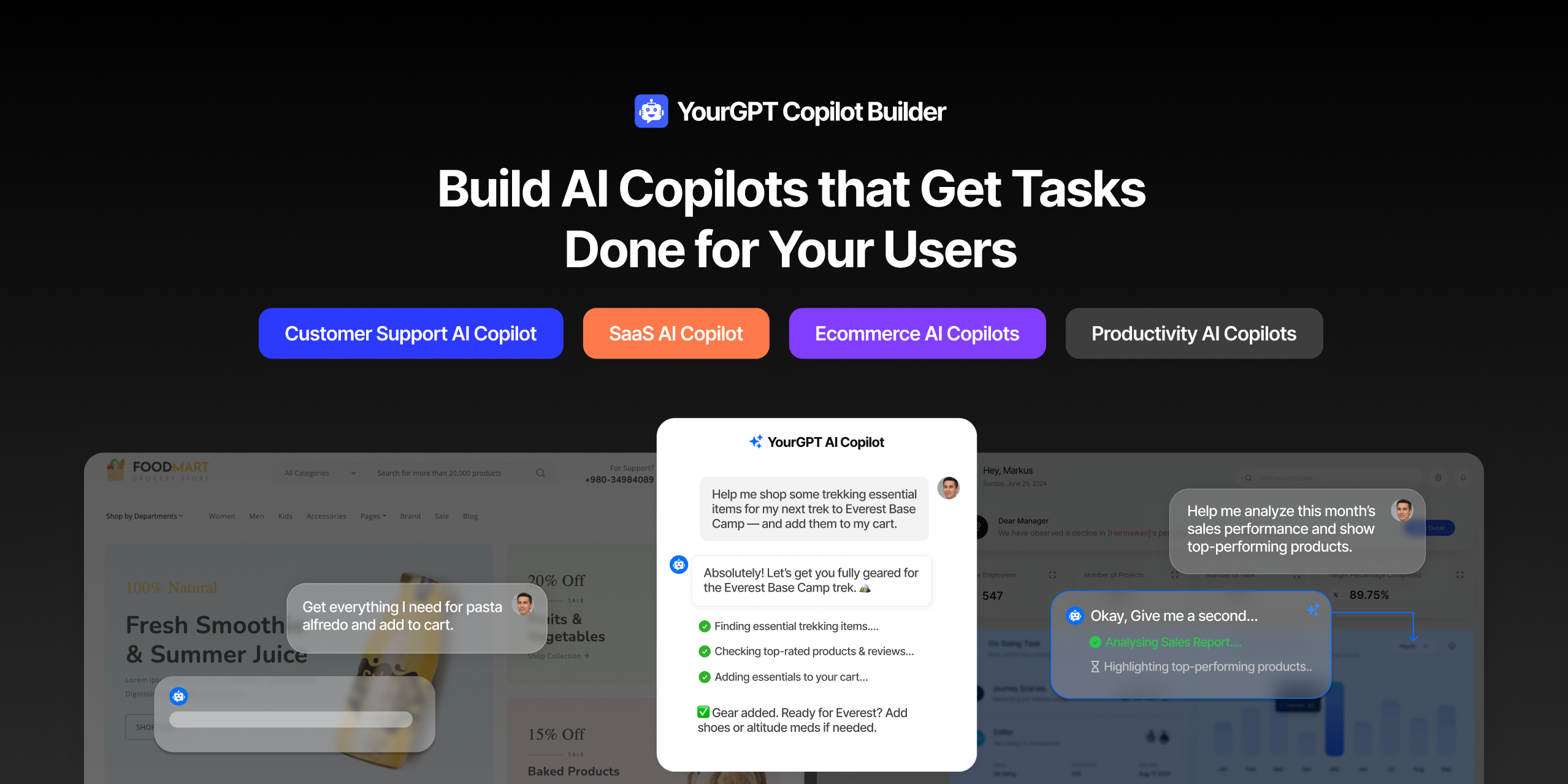
AI can help you finds products but doesn’t add them to cart. It locates account settings but doesn’t update them. It checks appointment availability but doesn’t book the slot. It answers questions about data but doesn’t run the query. Every time, the same pattern: it tells you what to do, then waits for you to […]

GPT-driven Telegram bots are gaining popularity as Telegram itself has 950 million users worldwide. These AI Telegram bots allows you to create custom bots that can automate common tasks and improve user interactions. This guide will show you how to create a Telegram bot using GPT-based models. You’ll learn how to integrate GPT into your […]

TL;DR The 10 best no-code AI chatbot builders for 2026 help businesses launch quickly and scale without developers. YourGPT ranks first for automation, multilingual chat, and integrations. CustomGPT and Chatbase are ideal for data-trained bots, while SiteGPT and ChatSimple focus on easy setup. Other options like Dante AI, DocsBot, and Botsonic specialize in workflows and […]

GPT Chatbot for Webflow: The Key to Exceptional Customer Service Providing great customer service is essential for any business, but managing a high volume of inquiries can be a challenge.If you use Webflow, integrating a webflow chatgpt can simplify this process. This AI-powered webflow chatbot offers consistent, personalised responses to customer queries, helping you manage […]