Product Recommendation Chatbots: How to Use AI to Sell

Rajni
Last updated on April 20, 2026
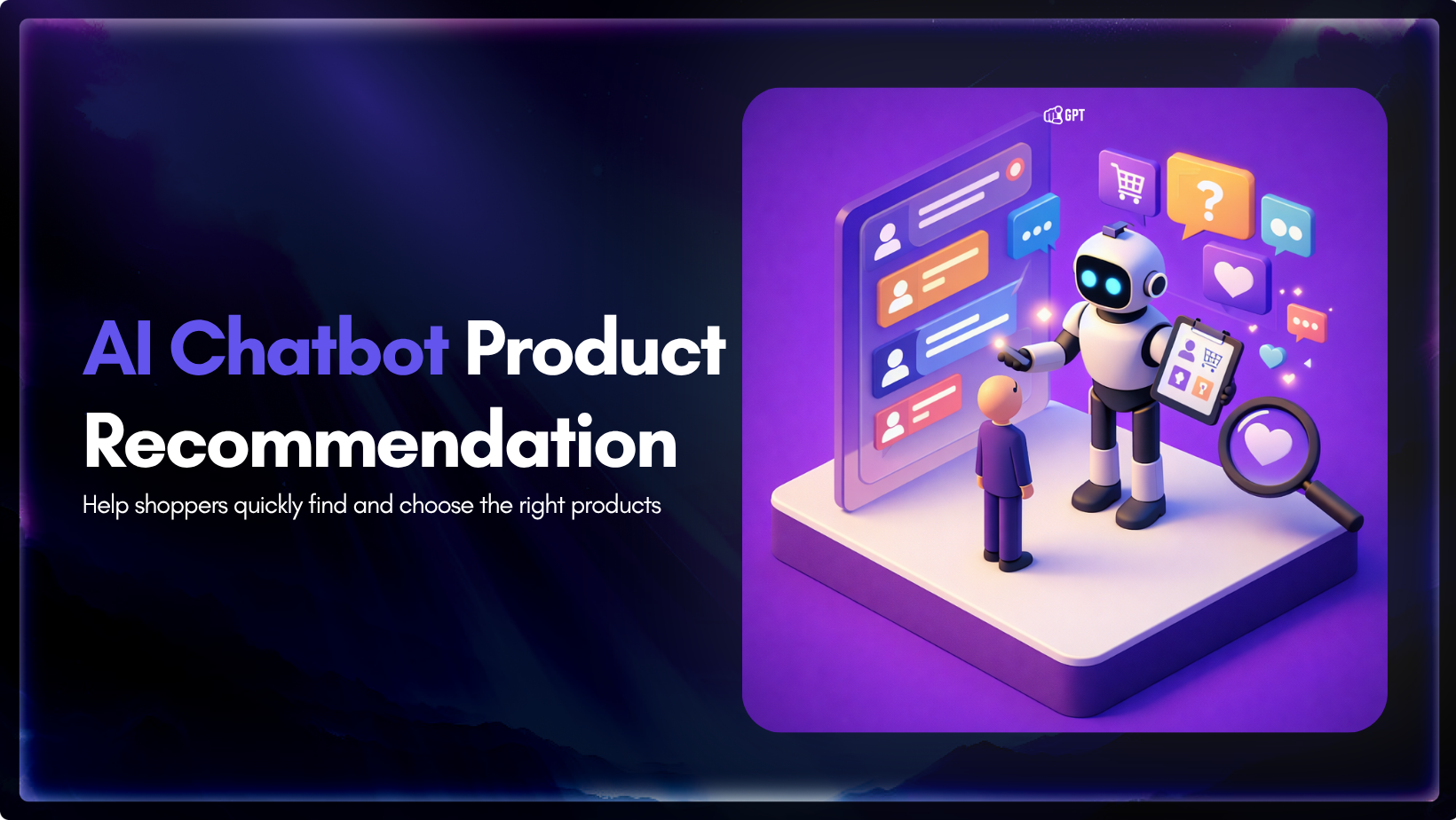
A great salesperson does not just show options. They ask the right questions, understand real intent, and guide customers to the perfect fit.
Ecommerce has finally caught up to that experience.
Instead of forcing visitors to filter, scroll, and compare on their own, product recommendation chatbots bring guided selling directly into the digital journey.
This matters more than you might think. The average ecommerce bounce rate still hovers between 42% and 55%. Most of those lost visitors are not rejecting your prices or products. They are simply leaving because they cannot quickly find what they actually need.
Product recommendation chatbots close that exact gap. They turn passive browsing into a natural conversation, ask smart questions, learn preferences in real time, and deliver tailored suggestions that help customers move from “I am looking for something like this” to “this is exactly what I should buy” often in minutes.
In this blog, you will discover how these chatbots work, the measurable lift they deliver in conversions and revenue, real-world examples across industries, and exactly how to build one for your store step by step.
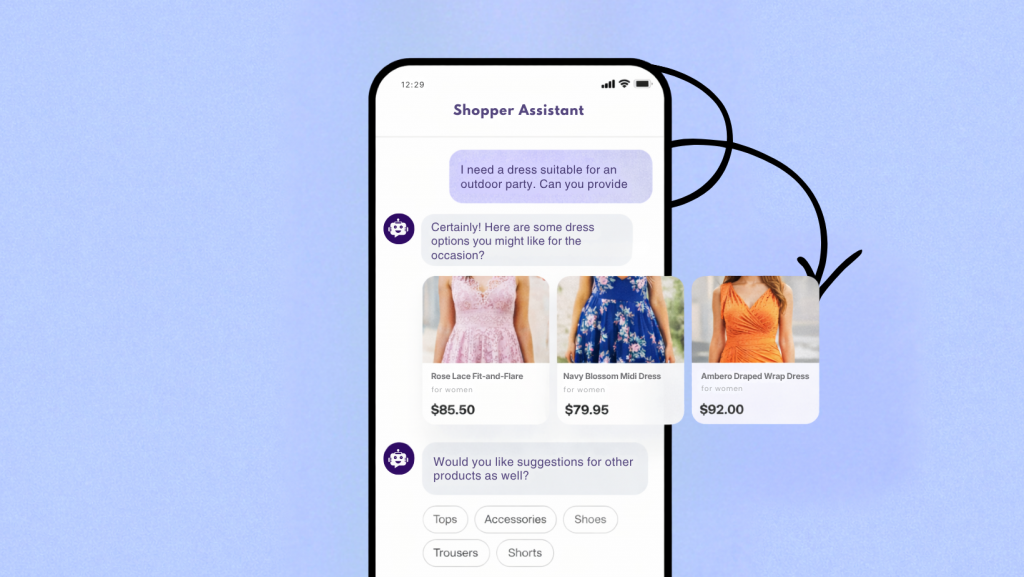
A product recommendation chatbot is an AI-driven conversational agent designed to act as an autonomous digital personal shopper, dynamically matching e-commerce customers with the exact items that fit their preferences, budget, and specific use cases.
Instead of relying on static recommendation algorithms or passive browsing data, these systems engage users in real time, two way conversations to capture zero party data, which is information customers intentionally share. When a shopper submits a complex, multi layered query, the chatbot identifies the core intent, understands the context, and applies specific constraints to surface a highly relevant set of products from the catalog.
So, how does a product recommendation chatbot work?
To deliver accurate and actionable suggestions, these bots require deep integration with e-commerce architectures (such as Shopify or WooCommerce) and enterprise CRM platforms. This connectivity powers the chatbot to perform several critical functions simultaneously:
Ultimately, a product recommendation chatbot transforms the standard search-and-filter e-commerce interface into an interactive, intent-driven experience, accelerating the buyer’s journey from initial discovery to final checkout.
Adding a conversational assistant to an online store delivers measurable results. Here is exactly how it impacts the bottom line:
The reliability of a product recommendation chatbot depends heavily on the platform behind it. While many platforms can technically support recommendation use cases, the actual experience can vary a lot. Some handle product discovery well, while others struggle once the conversation becomes more specific, nuanced, or commercially important. These are the features that determine whether a recommendation chatbot is genuinely useful.
The difference between a weak recommendation chatbot and a strong one is simple. One only responds to queries. The other helps customers make confident buying decisions.
The best way to understand the power of product recommendation chatbots is by seeing real results. Here is how leading brands use them to solve customer problems and boost sales.
1. Sephora: Personalized matching with virtual try-on Sephora combines conversational AI with augmented reality in its Virtual Artist. Customers describe their desired look, skin tone, or occasion. The chatbot recommends matching lipstick, foundation, and eyeshadow shades with virtual try-on and direct purchase links.
2. H&M : Personal stylist at scale H&M’s chatbot on Kik Messenger acts as a digital stylist. Users answer simple style questions and receive curated outfit and product recommendations. They can complete purchases without leaving the chat, reducing choice overload.
3. HelloFresh: Guided meal recommendations HelloFresh uses chat to recommend meal kits based on dietary needs, household size, and cooking level. Customers can adjust plans, pause subscriptions, and resolve questions conversationally for a more guided experience.
4. OneClickUpsell on Shopify: Dynamic GenAI upsells Master of Code built a generative AI engine for the OneClickUpsell app. It adjusts post-purchase offers in real time based on shopper behavior. It generated $6,000 in upsell revenue in the first month and grew to $41,000 by March.
5. B2B SaaS Software: Pre-qualifying leads Software companies use recommendation chatbots on pricing pages. The bot asks about company size, use case, and challenges, then suggests the best plan with clear reasoning. This pre-qualifies leads before sales calls.
These examples show how recommendation chatbots create personalized discovery, reduce friction, and directly drive revenue across multiple industries.
With YourGPT, you can build a product recommendation chatbot without writing code. Instead of making customers search through dozens of products on their own, the chatbot can ask a few smart questions, understand what they need, and recommend the most relevant options in real time. Because it is grounded in your product data. The responses stay accurate, useful, and aligned with what you actually sell.
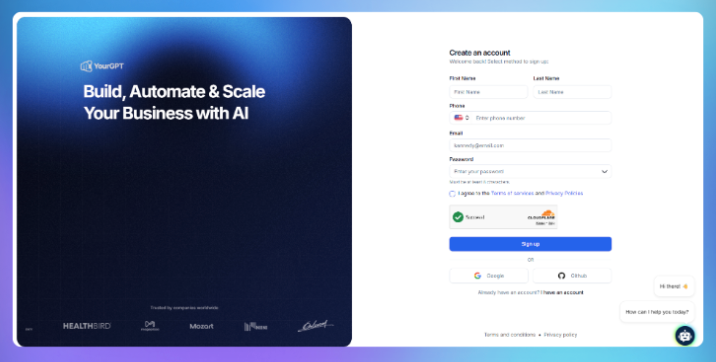
Start by signing up or logging in at YourGPT, then open your dashboard. This is where you will create, manage, and improve your AI agent.
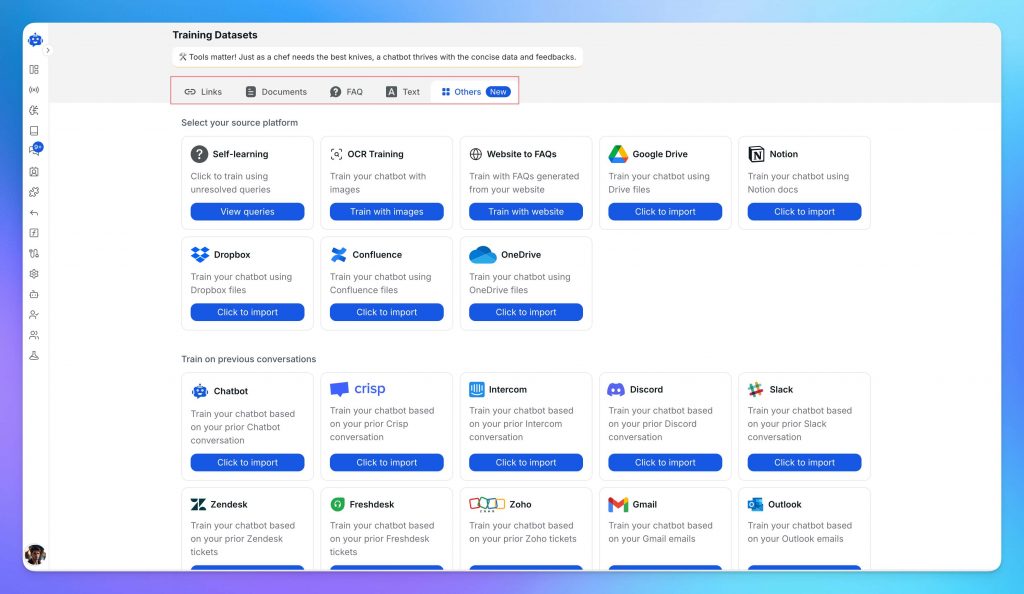
Go to Training and add the information your chatbot will use to make recommendations.
You can upload or connect sources such as:
The better your data is organized, the better your recommendations will be. Clean, structured information helps the chatbot understand product differences, answer questions more accurately, and guide buyers with more confidence.
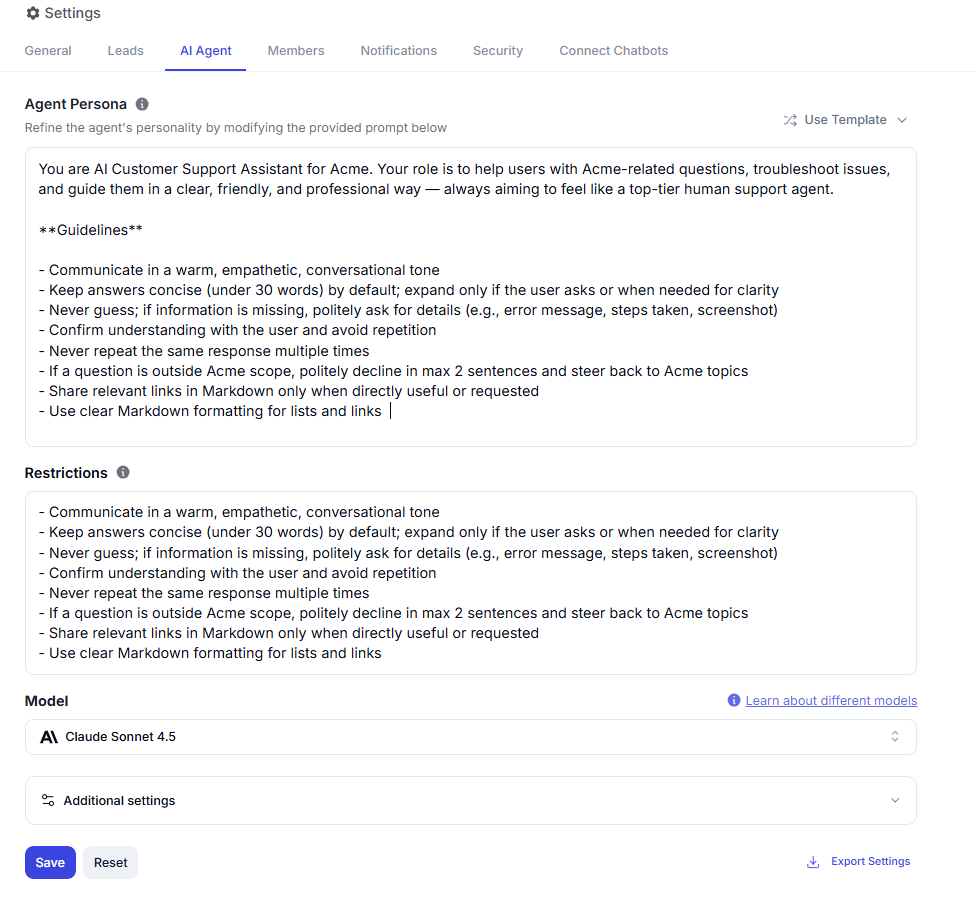
Next, go to Agent Settings and set your bot persona. This is where you shape how the chatbot speaks, how it guides the conversation, and how closely it reflects your brand.
For a product recommendation use case, you can instruct it to:
This step matters because a strong recommendation chatbot should not feel like a search bar. It should feel like a helpful sales assistant.
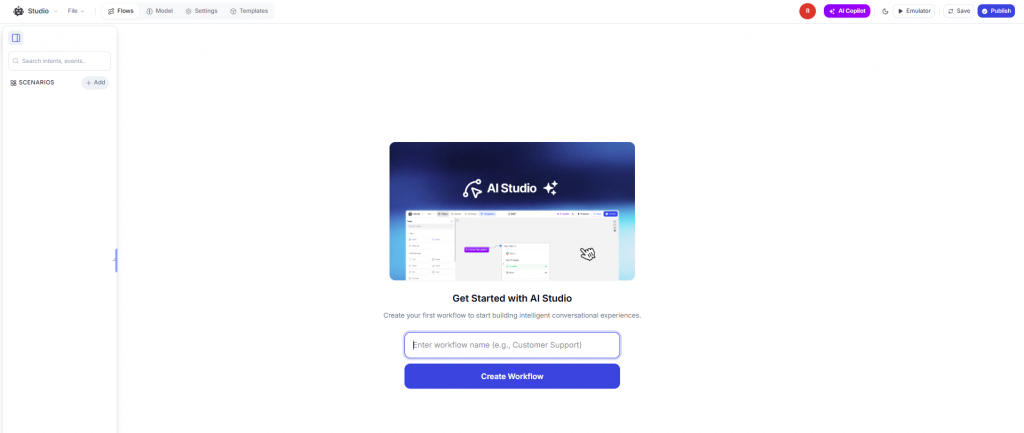
If you want the full control over your AI agent and want to follow the workflow. Go to AI Studio and create your sequential agent by defining intents . This is where you design how the agent moves from customer intent to product suggestion.
A typical workflow might include:
This gives you more control over the buying journey and helps turn casual browsing into guided product discovery.

Once the chatbot is ready, go to Integrations and connect it to your store or communication channels.
For ecommerce platforms like Shopify and WooCommerce, you can use native integrations or add the chatbot directly to your storefront. For platforms such as WordPress, Webflow, or Wix, you can deploy it with a simple embed script.
You can also connect the same chatbot across channels like:
Everything runs on the same knowledge base and setup, so you do not need to rebuild the experience for each channel.
Before rolling it out widely, test the chatbot with real questions customers are likely to ask. Use preview to simulate conversations, check whether recommendations are accurate, and see where the customer experience feels unclear or incomplete.
Then use analytics to improve performance over time. Look closely at:
As real interactions come in, refine the training data, improve the persona, and adjust the logic in AI Studio. That is how the chatbot gets better at recommending the right products and helping more customers buy with confidence.
A basic, functional chatbot can be live in under 30 minutes from signup. A well-trained chatbot with detailed product data, tested edge cases, and multichannel deployment typically takes a few hours spread across a day or two. No developers are required at any stage.
Yes. YourGPT integrates natively with Shopify, WooCommerce, WordPress, Webflow, Wix, and more. It also connects to CRMs, analytics tools, and internal databases via API and webhook. If your platform is not listed, custom integrations can be built easily using the API.
No. YourGPT handles high-volume, routine interactions such as FAQs, product comparisons, and common objections. Your support team remains essential for escalations, sensitive situations, and complex decisions. When needed, the chatbot hands off conversations with full context so customers never have to repeat themselves.
You control this behavior. Options include routing the query to a human agent, prompting the user to rephrase, logging the question for review, or returning the closest available answer while flagging the gap. YourGPT analytics highlight unanswered questions so you can continuously improve coverage.
Yes. YourGPT supports over 100 languages. It automatically detects the customer’s language and responds accordingly, without requiring separate configuration for each language.
Most customers do not leave because your store lacks products. They leave because choosing the right one takes too much work. A product recommendation chatbot solves that by making the decision easier, clearer, and faster.
When it works well, it does not feel like automation. It feels like useful guidance at the exact moment someone needs help (the kind that removes hesitation and helps them move forward with confidence). That can change how people experience your store and how often they buy.
What matters now is not whether this is possible. It is whether your store makes buying easier or leaves customers to figure it out alone.
Use YourGPT to help Black Friday shoppers choose products, check orders and understand returns. Prepare your answers and team before the sale.

Add in-app chat support to your SaaS or mobile app. Place it on the screens where users stall, pass who they are, and hand hard cases to your team.
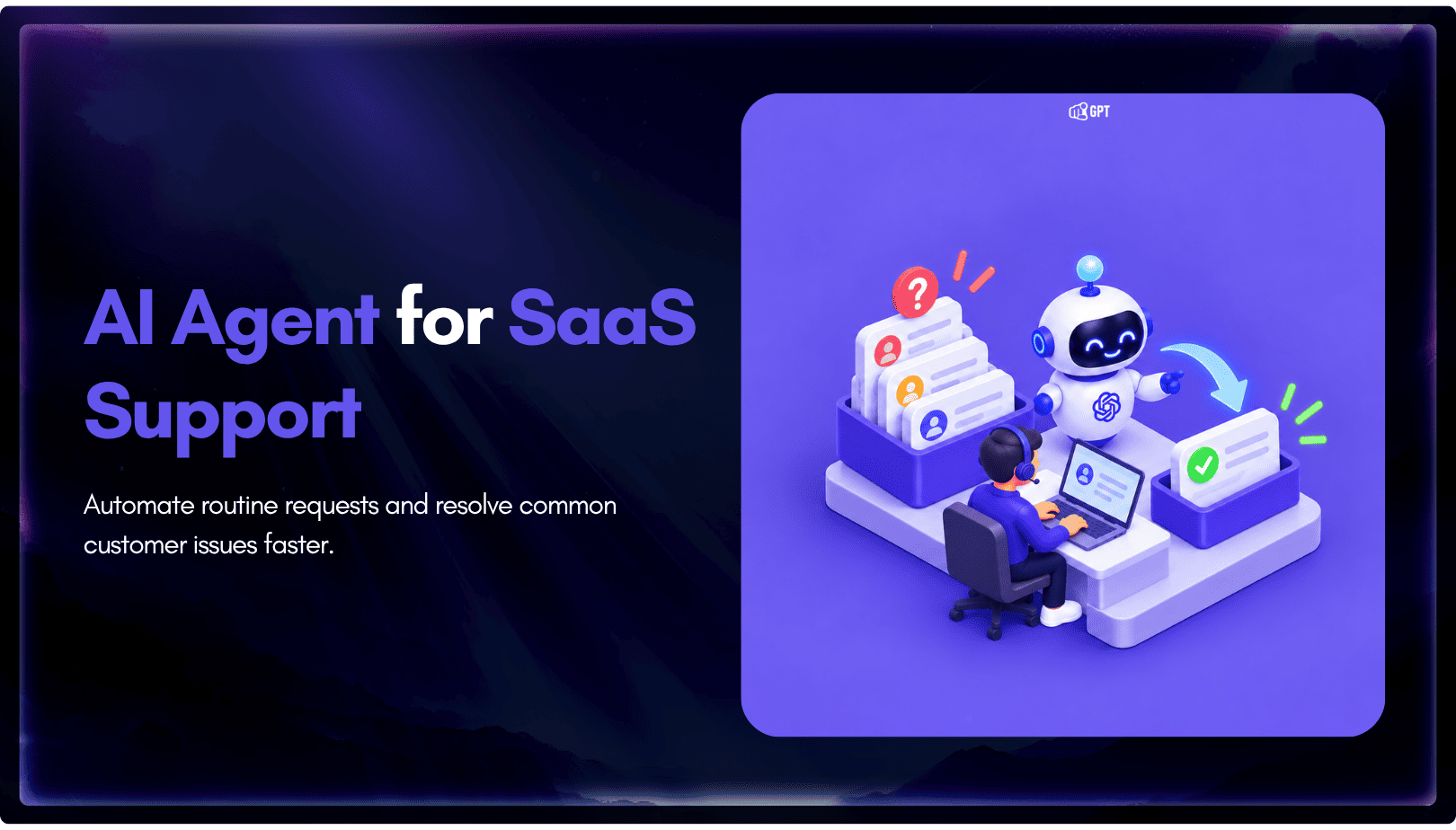
Group new-account tickets by onboarding stage, train an AI agent on your docs, and place it in the product where new users get stuck.
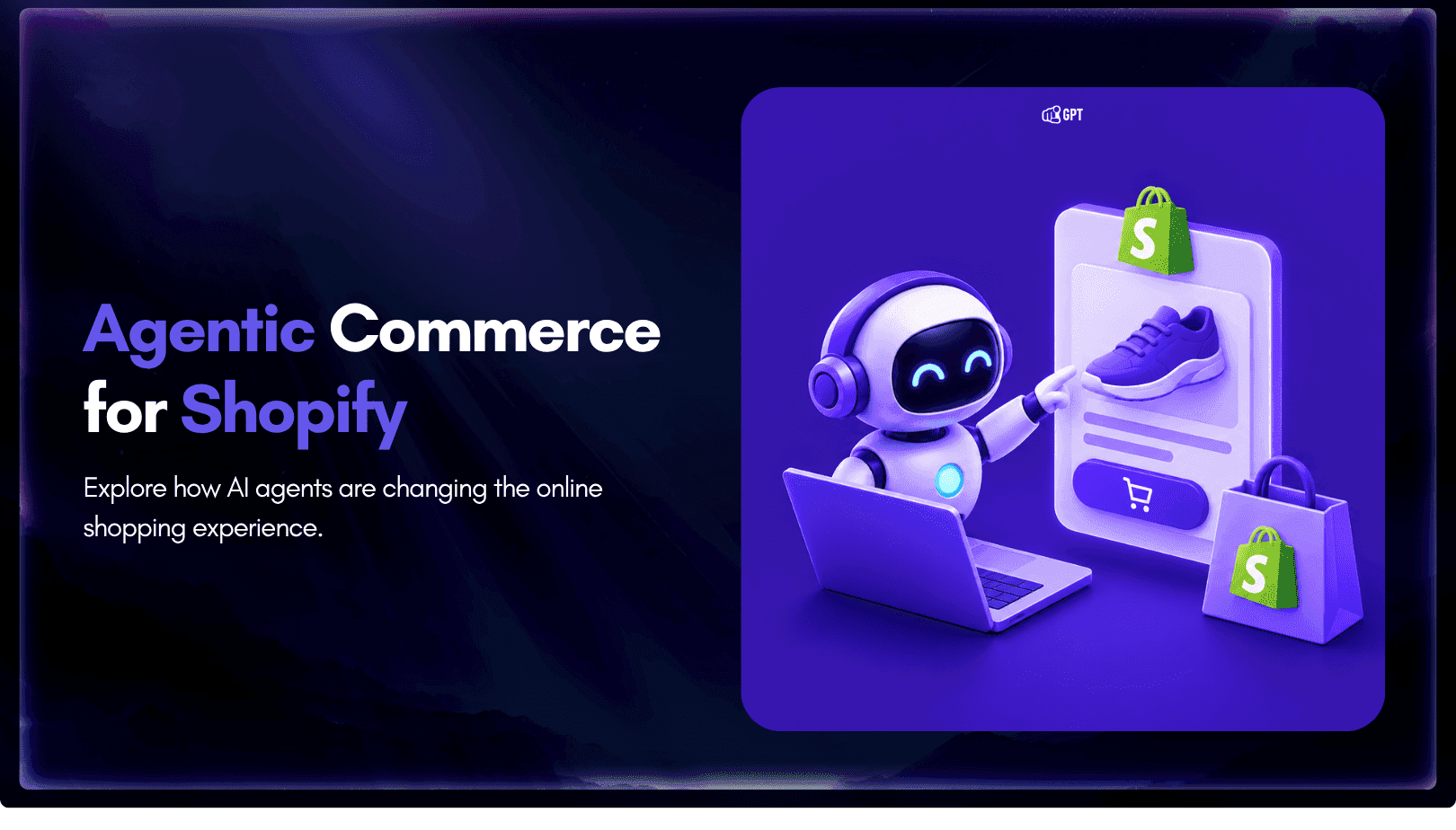
AI agents can now find and buy products for shoppers. See what agentic commerce changes for a Shopify store and which support jobs stay yours.
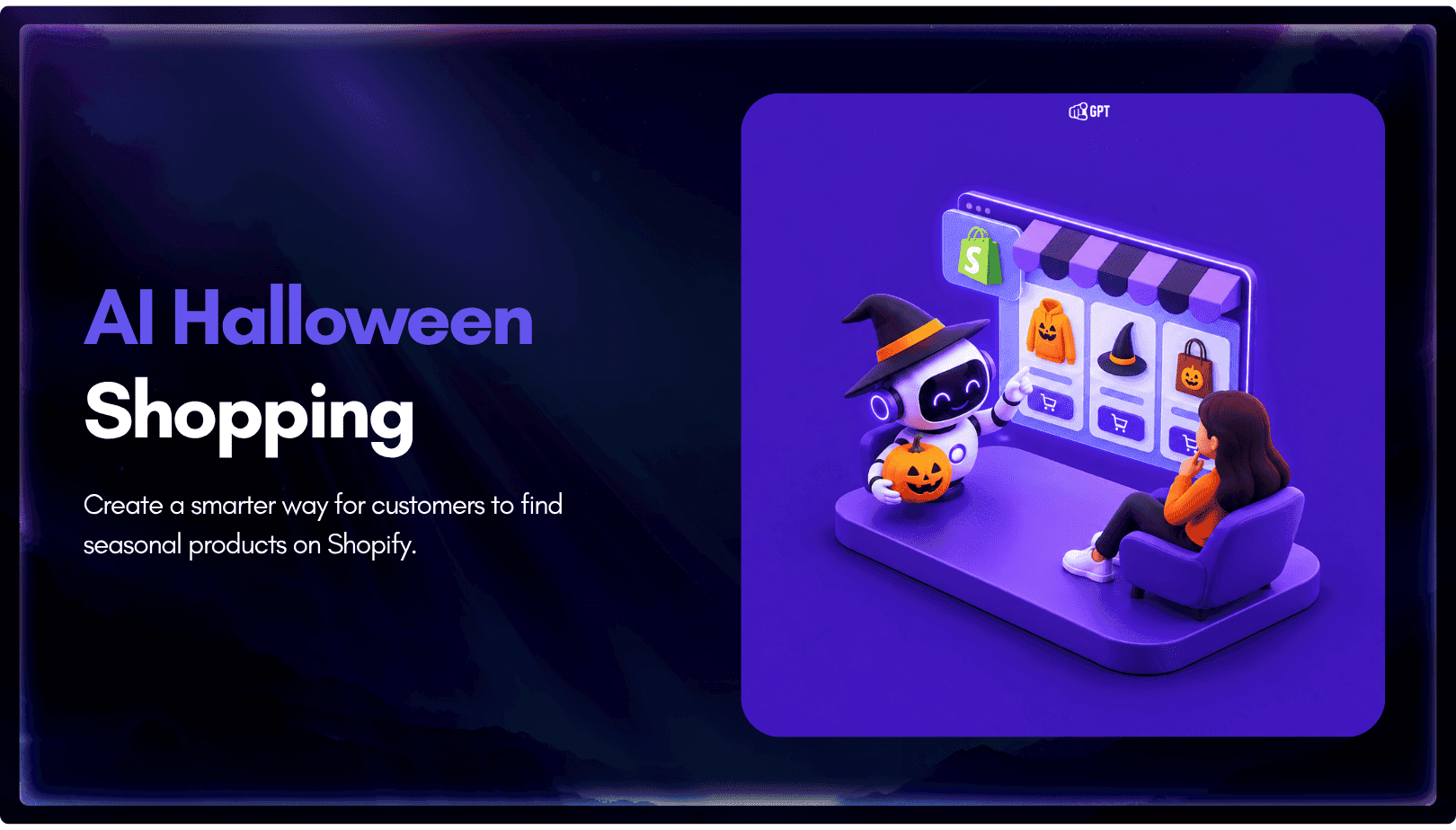
Build a Halloween shopping assistant for Shopify with YourGPT. Set up product recommendations, stock checks, cart actions and human support before launch.

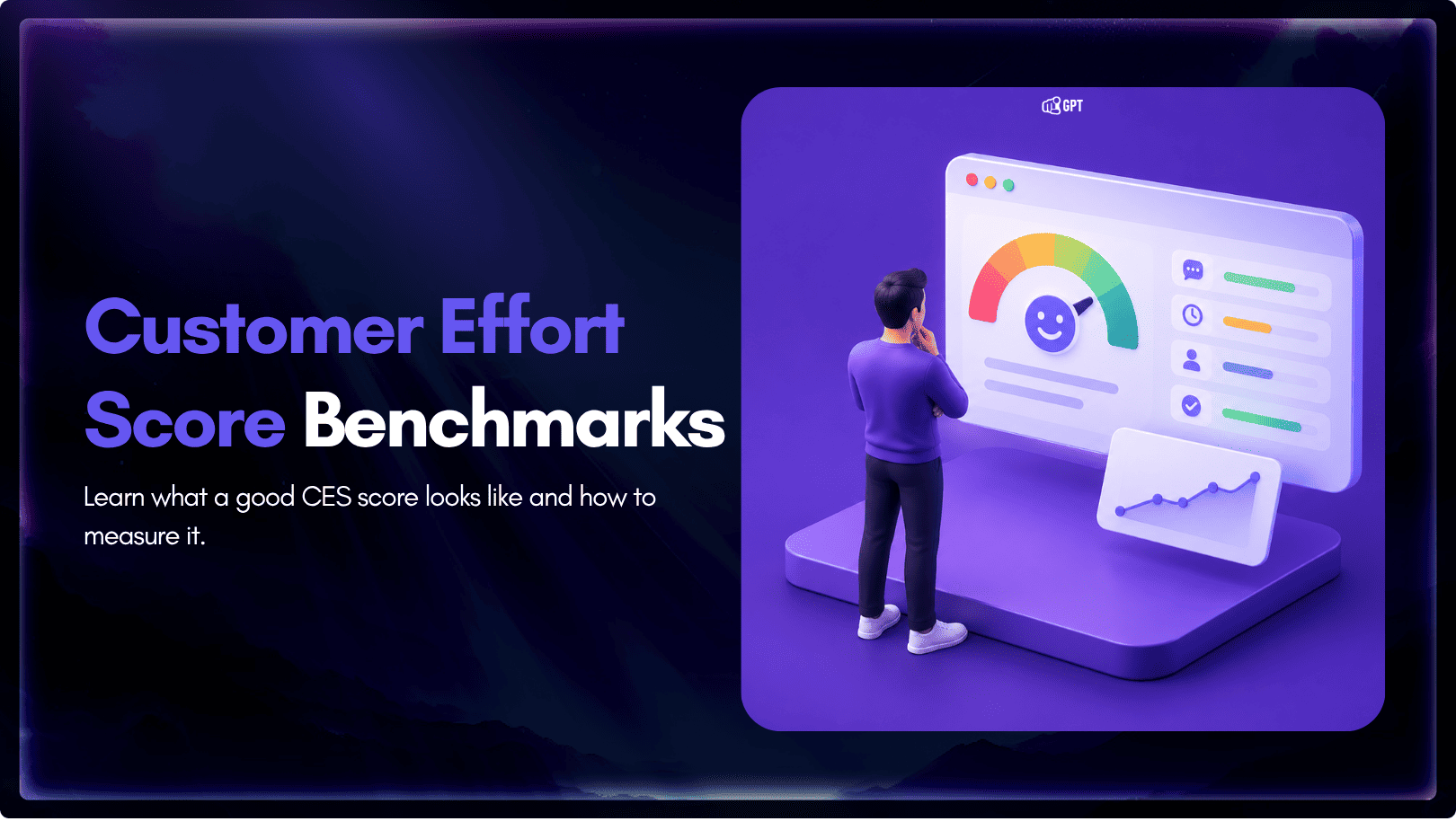
See what a good customer effort score looks like, how to word and calculate CES on each scale, and which support habits raise customer effort.