Top 7 Help Scout Alternatives & Competitors in 2026

Rajni
Last updated on October 20, 2026

Help Scout works well for simple, email-based support, but many teams look for alternatives when they need AI automation, faster response handling, and support across multiple channels. Replacing Help Scout changes how your team handles customer requests and how you pay for support. Compare YourGPT for configurable AI agents across channels, Hiver for Gmail, Kayako for connected AI actions, and Gorgias for ecommerce order support. BoldDesk focuses on ticket workflows, Zoho Desk connects support with the Zoho suite, and Front supports collaboration across departments. Test the same requests for answer accuracy, completed actions, and human handoff, then compare the full cost of seats, AI usage, and retained tools.
Help Scout works well for teams that want a shared inbox. As support grows, the decision becomes more specific: do you need a different workspace for your team, deeper automation, or a platform built around your industry?
Routing, integrations, and coordination across channels still matter. But replacing a helpdesk also affects open conversations, customer history, and the way teammates take ownership of requests. The right alternative should fix a clear gap without creating more work elsewhere.
Help Scout already offers AI Answers, live chat, messaging channels, and plan-dependent automation. Its shared inbox supports WhatsApp, Instagram, Messenger, and SMS; phone support is available through integrations. A useful reason to switch is a specific workflow or cost mismatch.
If Help Scout already meets those requirements, staying with it can avoid a migration. Otherwise, use the shortlist below to focus on the support model you need.
These seven options serve different needs. The table highlights a use case for each platform; it does not imply that only that platform offers the capability.
| Platform | Useful for | Main consideration |
|---|---|---|
| 1. YourGPT | AI agents across support channels | Advanced actions require configured integrations |
| 2. Hiver | Teams that want support inside Gmail | Compare Hiver in Gmail with the separate Omni workspace |
| 3. Kayako | AI completing work through connected systems | Confirm Kay scope and resolution billing |
| 4. Gorgias | Ecommerce support with order context | Check platform-specific AI actions and ticket volume |
| 5. BoldDesk | Ticket queues and configurable automation | Estimate AI credits and included human agents |
| 6. Zoho Desk | Support connected to the Zoho app suite | Required features depend on the edition |
| 7. Front | Collaboration across customer-facing teams | Plans for multiple channels and AI add-ons change the cost |

We build YourGPT, one of the platforms below. This comparison uses official vendor capabilities and pricing checked on 20 October 2026. The list order is not a measured performance ranking.
The screenshots provide product overviews, not step-by-step views of every current interface. Use a trial to verify the features and integrations your team needs.
YourGPT is a no-code AI agent platform for customer support, sales, and operations. Deploy the same trained agent across connected channels such as WhatsApp, Telegram, Slack, and your website, with support for more than 100 languages.
An agent can answer from your help content, qualify a lead, and call a connected system when the request needs an action. In AI Studio, you can coordinate specialized agents for support, sales, or billing. Your team defines their knowledge, available tools, and conditions for handing work to a person.
Connected actions depend on the systems and permissions you configure. Training an agent on a website gives it knowledge; live account lookups and record updates need an integration or API call. Essential is the entry plan, while Professional includes AI Studio, Functions, and API or webhook support. Webhooks send notifications to other apps when events occur.
Evaluate YourGPT when you need control over agent knowledge, connected actions, and deployment across channels. We support human handoff, so unresolved work can move to a teammate. For a Help Scout replacement, test conversation ownership, ticket reporting, and historical imports as part of the complete support setup.

Hiver in Gmail turns Gmail into a collaborative helpdesk for support, sales, and operations teams. It enables teams to manage customer conversations directly from their inbox without switching tools.
Teams assign ownership to incoming emails and collaborate on replies without forwarding the conversation. Shared visibility and collision alerts help teammates see who is already drafting a reply.
Hiver also offers Hiver Omni, a separate workspace for teams handling multiple support channels. Choose between the Gmail experience and Omni before comparing plans.
Hiver remains a useful shortlist option when your team wants to handle support inside Gmail. Its Gmail plan comparison puts SLAs, premium integrations, and API access above the entry plan, so price the version your workflow needs.

Kayako is a customer support platform designed for teams that need a shared support workspace across multiple channels. It helps businesses manage conversations from email, chat, and connected channels in one unified system.
Its customer history view brings earlier interactions into the support conversation. That context helps an agent understand the request before deciding what to answer or which connected action to use.
Alongside the helpdesk, Kayako now emphasizes Kay, an AI agent that can take actions through connected systems. That makes its current automation offering broader than ticket routing.
Evaluate Kayako when you want an AI agent to complete support work through your connected systems. The current Kay pricing model charges per resolved ticket. Confirm the resolution definition, the helpdesk scope, and the integrations included in your agreement.

Gorgias is a customer support platform built specifically for eCommerce businesses, designed to manage support, sales, and customer interactions in one place. It connects support with store data from Shopify, WooCommerce, and Magento.
Agents can view connected order and customer details beside the conversation. Rules and configured AI actions can handle work such as order-status answers or refunds, subject to the commerce platform and permissions.
The useful distinction is between what a teammate can do in the inbox and what AI Agent can do autonomously. Gorgias documents Shopify order actions such as cancellations and address changes; verify each action and its conditions for your store.
Gorgias suits ecommerce teams that want order context and support in the same workspace. Confirm that the AI actions you need work with your commerce platform; an available integration does not guarantee the same automation on every platform. Its pricing combines helpdesk ticket volume with AI usage, with voice and SMS available as add-ons. The current plan table does not list Actions on Starter, so the lowest entry price does not cover the action workflow described above.

BoldDesk brings ticket management and support workflows into a central workspace for growing teams.
Teams track a request through assignments, priorities, and ticket statuses. Custom forms and workflows make the queue useful when different request types need different information or approval steps.
Its ticketing, knowledge base, and AI capabilities suit teams that want to manage human-owned work and automation together. Review the routing rules, approval steps, and reporting your queue needs before choosing an AI volume tier.
Shortlist BoldDesk when ticket handling and configurable workflows matter alongside AI. Its current plans bundle AI credits with human agents. More complex work consumes more credits, so estimate usage from your actual ticket mix rather than treating every conversation as equal.

Zoho Desk connects ticket handling with apps in the Zoho suite. Teams can manage customer interactions across channels while keeping support records and workflows connected.
Support teams organize tickets alongside account information from the wider Zoho suite. That connection is useful when a response depends on the customer relationship, while Blueprints define the steps a ticket must follow and department rules control its routing.
Connecting support to CRM context is its main appeal for an existing Zoho team. Confirm which customer fields and records are visible to agents, and which updates your support process needs to send back.
Zoho Desk is worth evaluating when your support team already relies on Zoho CRM and related apps. Check the edition comparison for messaging, Blueprints, Zia, and routing. Availability differs by edition; local currency and support packages also affect the cost.

Front is a shared inbox and collaboration platform designed for customer-facing teams to manage communication across email, chat, and messaging channels. It helps teams work together on conversations while keeping responses organized and consistent.
Teams assign conversations and discuss them through internal comments while keeping the customer reply in the same workspace. This is useful when support needs input from billing, operations, or another customer-facing team.
The shared inbox remains central, while Autopilot can handle customer requests and take actions within rules you define. This gives teams an automation option alongside internal collaboration rather than limiting them to assignment rules.
Front fits teams whose customer conversations need coordination across support and other departments. The plan comparison separates single-channel Starter from Professional for multiple channels and lists AI add-ons. Include those requirements when comparing its cost with Help Scout.
A reply suggestion, an autonomous answer, and a completed action are different capabilities. Match the AI task to your support workload, then check how the vendor bills it.
Prices below were checked on 20 October 2026. Subscription figures are USD monthly equivalents on annual billing, except Gorgias Starter, which bills monthly. Kayako’s figure is a per-resolution rate; Zoho’s paid prices vary by region. Subscription figures exclude taxes and separately billed usage. An entry plan may not include the workflow you need.
| Platform | AI approach | Published entry price | Billing consideration |
|---|---|---|---|
| 1. YourGPT | AI Agents and Copilot | Essential $39/month; Professional $79/month for AI Studio | Plan subscription with AI Credits; model and workload affect consumption |
| 2. Hiver | AI Agents and Copilot alongside shared inbox workflows | Growth $25/user/month | Per-user plan; verify the required features and AI usage allowance |
| 3. Kayako | Kay answers and acts through connected systems | $1 per resolved ticket | Per resolved ticket; confirm what counts as a resolution |
| 4. Gorgias | AI Agent plus ecommerce actions and helpdesk rules | Starter $10/month for 50 tickets; Basic $50/month for 300 tickets | Ticket-volume helpdesk plan plus AI usage; voice and SMS add-ons |
| 5. BoldDesk | AI agents and assistance within ticket operations | $99/month with 1,000 AI credits and five human agents | AI-credit tier with included human agents; additional seats may cost extra |
| 6. Zoho Desk | AI assistance and automation by edition | Free for three users; paid editions use regional pricing | Per-agent edition; confirm local pricing and required add-ons |
| 7. Front | Autopilot and Copilot alongside collaboration rules | Starter $25/seat/month; Professional $65/seat/month | Per-seat plan plus applicable AI add-ons |
For YourGPT, plan allowances include AI Credits and team members. AI Credits are a usage allowance; consumption varies with the selected model and the work performed. Credits are not a fixed number of resolutions. Apply the same caution across vendors: one platform’s credit is not equivalent to another’s conversation or resolved ticket.
A lower subscription price can still produce a larger support bill once usage, channels, and retained tools enter the calculation. Compare the cost of the complete support setup at the same request volume.
For example, Help Scout Standard is $25 per user per month on annual billing, with AI Answers at $0.75 per billed resolution. In a hypothetical month with five paid users and 500 billed AI resolutions, the monthly equivalent is (5 × $25) + (500 × $0.75) = $500 before taxes and other charges. This is a budget illustration, not a measured customer outcome.
For a credit-based plan, run the same request mix with the model and actions you intend to use, then measure the credits consumed. Estimate both normal and busy months from that usage. Include your existing helpdesk subscription if you plan to keep it; an AI subscription alone is not the cost of replacing the whole support setup.
Base the buying decision on evidence from your own team. Shortlist two platforms, then evaluate the same set of recent support requests in each.
Use the same recent requests and expected outcomes in each trial. For this evaluation, a successful AI resolution means a correct answer and any required action completed without a human taking over. Keep the vendor’s billable-resolution count separate from this quality check.
Record completed, incorrect, and unresolved requests separately. A conversation that ends without a reply is not enough evidence of success. Compare recurring cost only after confirming that the two setups meet the same completion standard.
Before switching, confirm how contacts, open conversations, attachments, tags, and help-center URLs will move. Keep a named owner for the old queue during the transition. An agent answering questions is not proof that a helpdesk migration is complete.
Zoho Desk offers a free edition for three users, making it an option for a small team that needs basic email ticketing. Check the edition comparison for the channels, AI functions, and automation you need, since those requirements may put you on a paid plan. Compare a permanent free edition separately from a trial of paid features.
Shortlist Hiver in Gmail when keeping the team inside Gmail is a priority. Compare it with Hiver Omni separately, since Omni is a dedicated workspace. Then check the plan required for SLAs, API access, and premium integrations. A Gmail-based interface can reduce a workspace change, but you still need to test assignment, reporting, and escalation with your team.
YourGPT is a strong choice when you need no-code AI agents that answer from your business content and take actions in connected systems. you can configure workflows for tasks such as checking records or booking appointments, with human handoff for requests that need a person. The best fit depends on your workload: test answer accuracy, completed actions, handoff, and total cost using the same real support requests.
It can when you configure an authorized connection to the relevant system and define what the agent may access or change. Uploading help articles does not create access to private account records. Test authentication, permission checks, unsuccessful lookups, and handoff before deployment. No-code configuration removes some programming work; it does not remove the need to design and verify the process.
An integration does not automatically guarantee a historical migration. Ask the receiving vendor which records it can import, including attachments, internal notes, tags, timestamps, and open conversation states. Confirm what remains available in the old system and whether help-center URLs need redirects. Verify a sample export and import before changing the destination for incoming support requests.
Yes. Start with a limited set of requests and a clear human escalation route, then check that your existing team still receives and owns unresolved work. Evaluate answers and completed actions using the same criteria you apply to human support. A limited trial helps you decide whether you need an automation layer, a full helpdesk replacement, or both.
A Help Scout replacement should solve a recurring problem your team can name: conversations losing an owner, teammates searching several systems for context, or requests that still need manual work after an AI reply.
The seven platforms offer different ways to address those problems. Hiver brings support into Gmail; Front supports collaboration across teams. Gorgias connects ecommerce conversations with order context, while BoldDesk and Zoho Desk organize ticket workflows. YourGPT and Kayako support AI agents that answer questions and perform configured actions in connected systems. These strengths help narrow the shortlist, but your required workflow still needs a trial.
Use the trial results to estimate cost per verified completion: total operating cost divided by requests correctly answered or completed, including any required action. Compare the same period and request mix. Include subscriptions, AI usage, retained tools, and staff time; record migration work separately.
Keep this quality measure separate from the vendor’s billing definition of a resolution. A cheaper conversation that leaves an order unchanged or sends a customer back to the queue has not completed the work. The switch should earn its cost through outcomes your team can verify.
Resolve support requests with YourGPT
Build an agent with your help content, then test answers, connected actions, and human handoff.
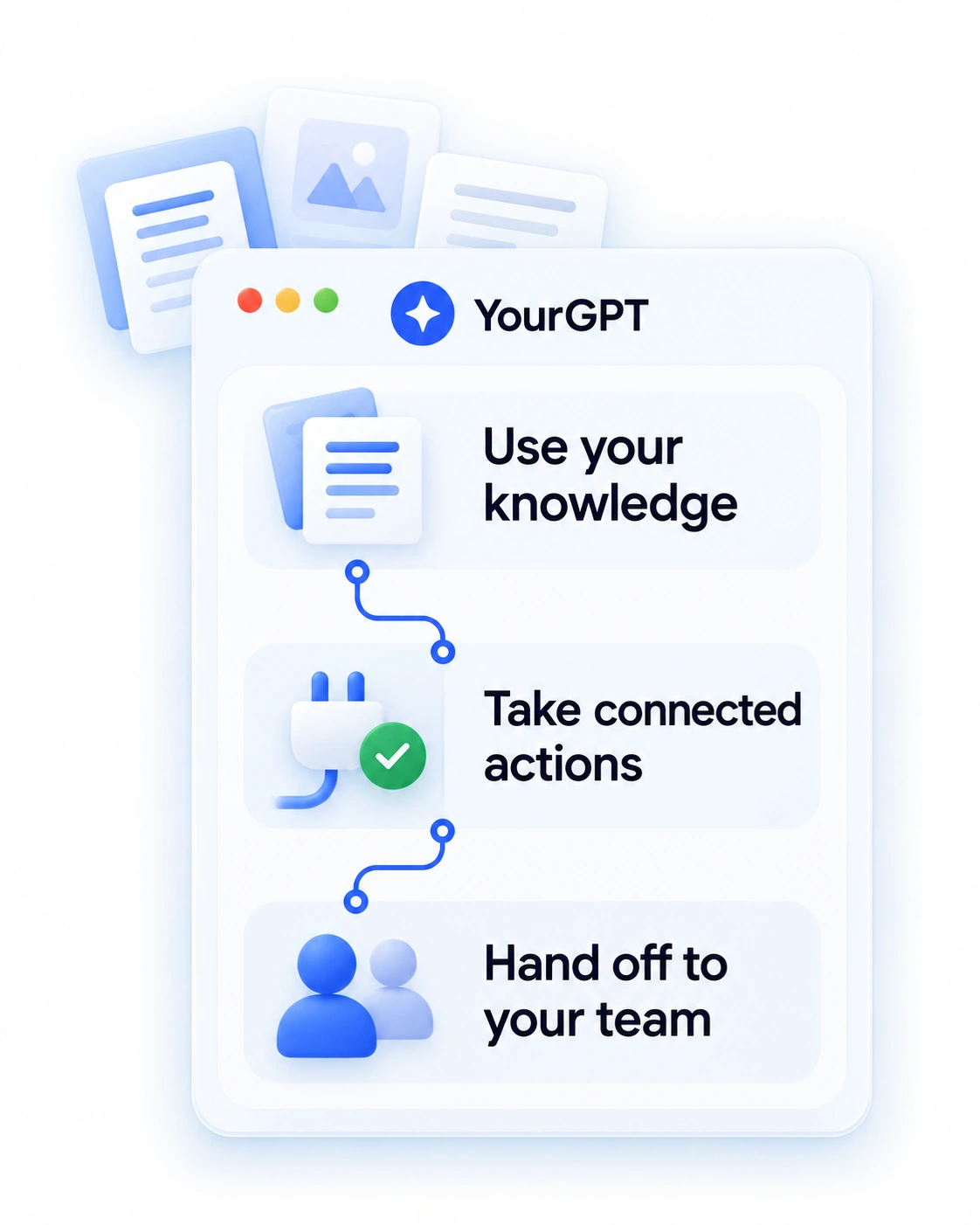
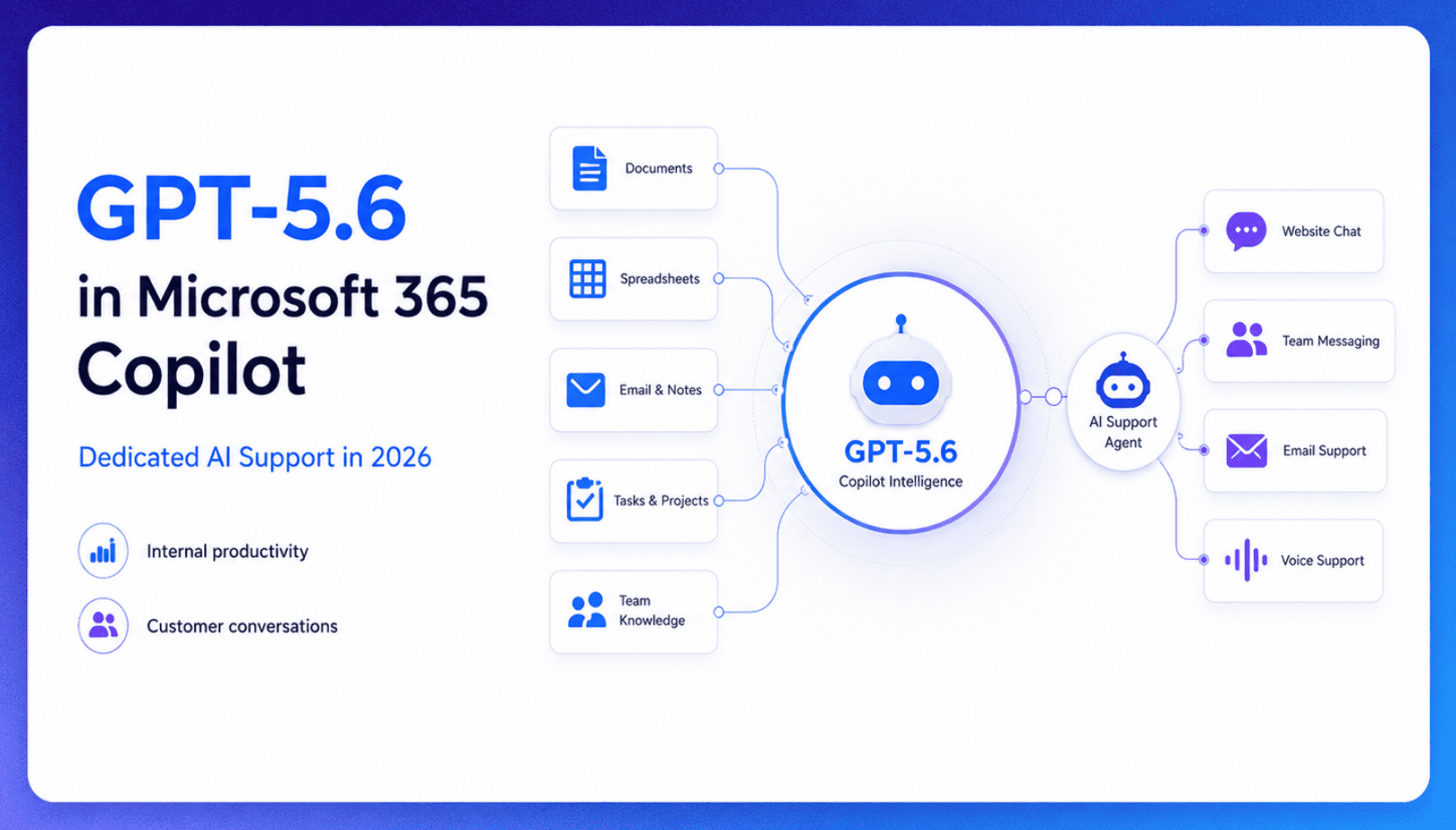
TL;DR Microsoft made GPT-5.6 the preferred model across Word, Excel, PowerPoint, Copilot Chat, and Cowork on July 9, 2026, focusing on internal workplace productivity rather than customer-facing support. Dynamics 365 Service Agent also reached general availability, but it mainly helps human support representatives manage cases within Microsoft’s existing permission structure and requires separate licensing. A […]

TL;DR Cheap frontier models now compete for the same high-volume support workloads, with DeepSeek V4 remaining the lowest-cost option in this comparison. Kimi K2.6 and GLM-5.2 are open-weight and self-hostable, while Qwen 3.7 Plus is proprietary and available only through an API. Claude Haiku 4.5 is the only model here that its developer explicitly recommends […]
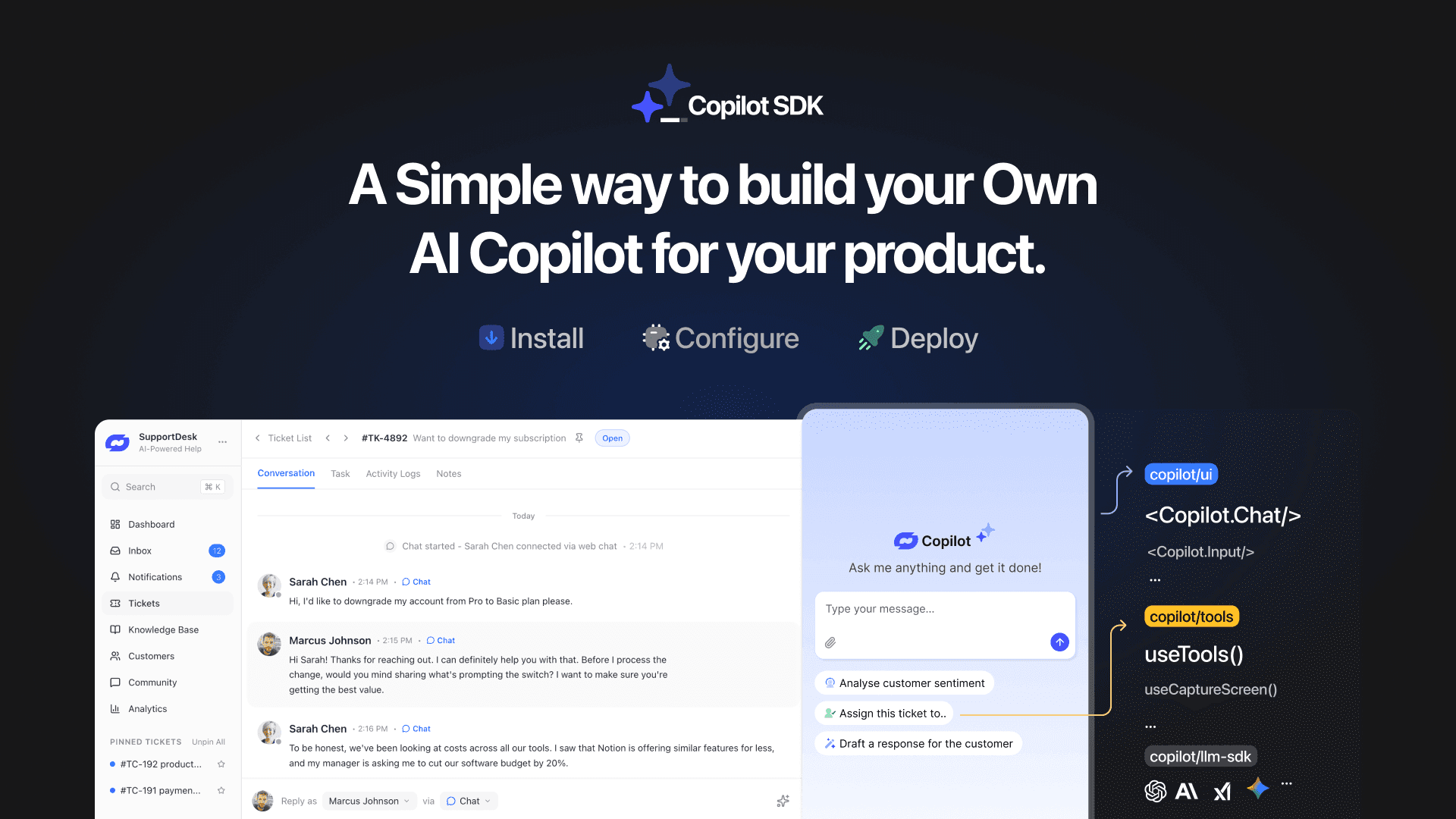
TL;DR YourGPT Copilot SDK is an open-source SDK for building AI agents that understand your application state, user context, and what is happening inside your product. Instead of working like isolated chat widgets, these agents connect directly with your product and can take real actions within existing workflows. This helps teams build contextual AI experiences […]
TL;DR YourGPT 2.0 adds AI Studio for building, testing, and debugging automated workflows. It includes native MCP integration for more than 100 tools, upgraded voice agents, and native SDKs for iOS and Android applications. With shared context across web, WhatsApp, Instagram, Telegram, and mobile, YourGPT turns conversations into real actions across support, sales, and operations. […]

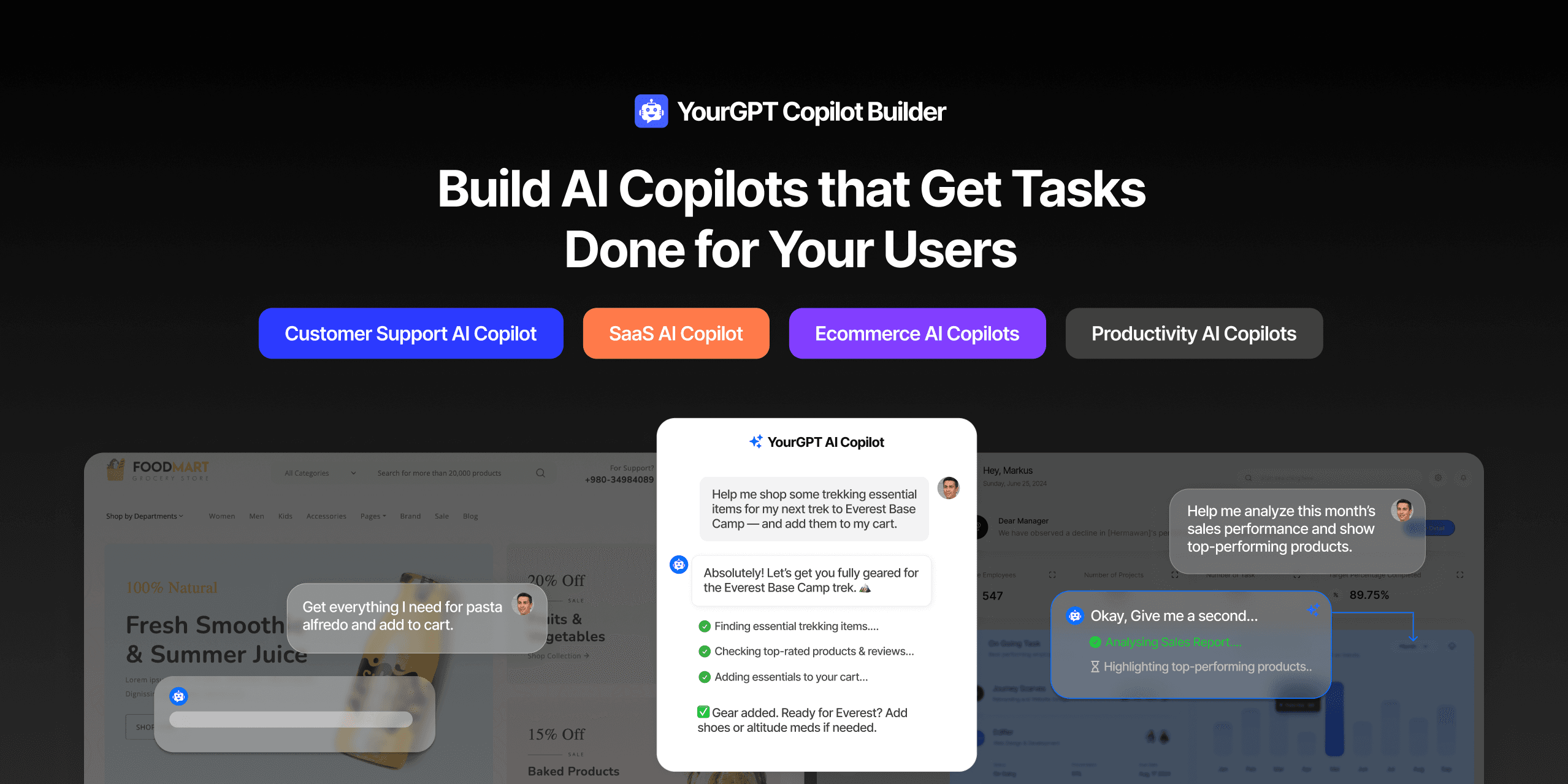
TL;DR Most AI tools provide answers but still leave users to complete the task through search results, settings pages, or checkout flows. AI Copilot Builder closes that gap by executing registered actions directly inside the product instead of only explaining what to do. Search, cart updates, account changes, and multi-step bookings can all happen within […]
TL;DR Building an AI-powered Telegram bot does not require custom development. BotFather provides the Telegram bot token, while a no-code platform like YourGPT handles AI training, free-form conversations, and the Telegram connection. This guide covers the full setup, from creating the bot in BotFather to connecting it with YourGPT and taking it live. Most Telegram […]
