10 Crisp Chat Alternatives Compared for 2026

Rajni
Last updated on September 9, 2026
The right Crisp alternative depends on the operating model you need. Choose YourGPT for AI Agent-led support, Intercom or Zendesk for helpdesk, Tawk to, Tidio or LiveChat for staffed web chat. Decide whether you need to replace Hugo’s automation or Crisp’s full inbox, channels, knowledge, and workflows before comparing prices.
On the customer’s screen, Crisp is a chat bubble. Behind it sit a shared inbox, help content, channels, and Hugo usage on a separate credit meter.
A replacement has to match the work behind the bubble, not just its appearance. This comparison separates Agent-led support, traditional helpdesks, staffed live chat, free widgets, self-hosted inboxes, and commerce ticket systems. A site chat widget that only greets is a different product from an agent that can close the request.
A Crisp alternative is a support platform that replaces one or more parts of Crisp’s workspace: website chat, shared inbox, help content, channels, workflows, or Hugo AI automation.
Crisp combines a website chat widget, shared inbox, knowledge base, workflows, channels, and the Hugo AI Agent. Evaluating alternatives becomes necessary when tedious setup, customization limits, lack of self-improvement, and resolution ceilings stop matching your support queue.
Crisp structures its platform around two separate layers: a fixed workspace fee and an automated AI layer.
The following limitations highlight where Crisp and Hugo encounter operational boundaries.
These operational boundaries explain why growing teams look for alternatives that provide reliable retrieval, live API execution, and unified workspace controls.
The table outlines each platform’s primary fit, published baseline, and billing meter before the in-depth reviews.
| Platform | Best For | Official Bill | Meter |
|---|---|---|---|
| 1. YourGPT | Agent-led support workspace | Essential $39 per month billed annually ($59 month to month). Professional $79 ($129). Advanced $349 ($499), on the same billing choices. | Credit base |
| 2. Intercom | Traditional helpdesk plus Fin outcomes | Essential $29 per seat. Advanced $85. Expert $132. Fin $0.99 per outcome. | Seat plus outcome |
| 3. Tidio | Staffed live chat plus a Lyro pack | Starter $24.17. Growth $49.17. Lyro from $32.50 per 50. | Human pack plus Lyro pack & flows |
| 4. tawk.to | Free widget with no agent cap | Core $0. Remove Branding $39 a month or $348 a year. AI Assist from $29. Hired agents from $1 an hour. | Free core plus add-ons |
| 5. LiveChat | Staffed live chat on the page | Starter $19 per person on annual billing. Team $49. Business $79. | Per person |
| 6. Freshchat | Messaging inbox that is not Freshdesk | Free up to 10 agents. Growth $19. Pro $49. Enterprise $79 per agent per month on annual billing. Extra Freddy $49 per 100 sessions. | Seat plus Freddy sessions |
| 7. Chatwoot | Cloud inbox you can leave or self-host | Hacker $0 for 2 agents. Startups $19. Business $39. Enterprise $99. Extra Captain $20 per 1,000. | Per agent on cloud |
| 8. Help Scout | Email inbox with a Beacon | Free for 5 users. Standard $25. Plus $45. Pro $75 per user on the annual toggle. AI Answers $0.75. | Per user plus optional resolution |
| 9. Gorgias | Shopify tickets with store actions | Packs cover 50 to 5,000 tickets monthly without per-agent fees. AI bills on resolved outcomes. | Ticket pack plus resolve fee |
| 10. Zendesk | Full ticket desk and reports | Support Team $19. Suite Team $55. Suite Professional $115. Copilot $50 per agent per month on annual billing. | Seat plus allowance |
YourGPT occupies the dedicated Agent-led support workspace category in this comparison. Intercom, Tidio, Freshchat, Gorgias, and Zendesk also include AI, but they organize the operation around a helpdesk, staffed chat, messaging inbox, or ticket system.
An Agent-led support workspace makes the Agent, its knowledge, connected actions, channels, and reviewed learning loop the primary operating layer. Rather than treating an unconstrained foundation model as a black-box chatbot, this architecture enforces strict source grounding, multi-model choice, and human review gates to deliver trustable customer answers.
Every comparison is grounded in official vendor documentation, published pricing schedules, and live help center resources. Competitor blogs, sponsored rankings, and unverified feature grids were excluded. Where a vendor leaves specific thresholds unlisted, this review highlights the exact terms buyers must verify before rollout.
We evaluate every platform in the same order:
This is a documented-capability comparison. The live-conversation test later in the article turns that shortlist into evidence from your own queue.
Each review follows the same pattern: fit, product scope, advanced features, integrations, strengths, constraints, pricing, and a direct comparison with Crisp.
Best for: Support teams deploying a verifiable, Agent-led workspace for accurate knowledge retrieval, live API actions, and native live chat across channels.

YourGPT is a no-code Agent-led support workspace engineered for customer service, real-time actions, and operational automation. For a Crisp replacement, the relevant job is customer service: teams connect business documentation, FAQs, and system tools so the Agent resolves inquiries autonomously, while human teammates monitor queues and step in with full context whenever human judgment is required.
The setup can begin with knowledge and a website Agent. Later stages can add actions, APIs, workflow controls, model controls, multi-agent coordination, and omnichannel support. The first useful deployment does not require the most advanced workflow.
YourGPT pricing offers three core tiers: Essential starts at $39 per month on annual billing ($59 month to month), Professional is $79 ($129), and Advanced is $349 ($499).
For a complete Crisp replacement, Professional at $79 provides 30 million credits, 5 team members, Smart Learning, Functions, AI Studio, and human escalation. Billing operates on a shared monthly credit pool without per-message charges or teammate seat fees, sending automated threshold alerts at 50 percent, 70 percent, and 100 percent usage.
Customer metrics vary by queue complexity. Our resolution analysis details how verified sources and configured API actions allow teams to resolve over 90 percent of eligible repeated inquiries.
Crisp operates an operator-centric inbox where Hugo retrieves FAQ answers under token-based credit limits. YourGPT prioritizes autonomous resolution, using your connected documentation and configured API tools to complete user requests end-to-end across channels. Live chat remains built-in so human teammates handle complex escalations, but the day-to-day focus shifts from triaging chat queues to automated support.
Best for: Enterprise SaaS organizations requiring traditional helpdesk ticketing, department routing, and Fin resolution billing.

Intercom is an established enterprise helpdesk organized around human agent seats, shared team inboxes, and ticketing workflows. It incorporates Fin as an automated resolution layer for its Messenger or as a standalone add-on for external helpdesks such as Salesforce, HubSpot, and Zendesk.
Intercom bills Fin at $0.99 per outcome on top of per-seat software licensing. An outcome counts whenever a customer confirms resolution, stops replying, or when Fin completes a Procedure, including routing to a human handoff. Because Fin operates on a closed model pipeline without multi-model routing flexibility, teams must manage outcome spending alongside seat subscriptions while monitoring answer accuracy against their internal documentation.
Intercom pricing starts at $29 per seat for Essential, $85 for Advanced, and $132 for Expert on annual plans. Fin costs $0.99 per billable outcome, while standalone Fin uses the same outcome price alongside a monthly minimum. Copilot adds $29 per agent each month on annual billing.
The longer seat and outcome breakdown sits in the Intercom review.
Intercom swaps Crisp’s lightweight, workspace-priced inbox for an enterprise-grade ticketing and helpdesk infrastructure. While Fin adds automated conversational deflection, total expenditure scales sharply due to mandatory per-seat licenses, communication surcharges, and $0.99 outcome fees.
Best for: Teams staffing a website chat queue and budgeting human conversations separately from Lyro conversations.
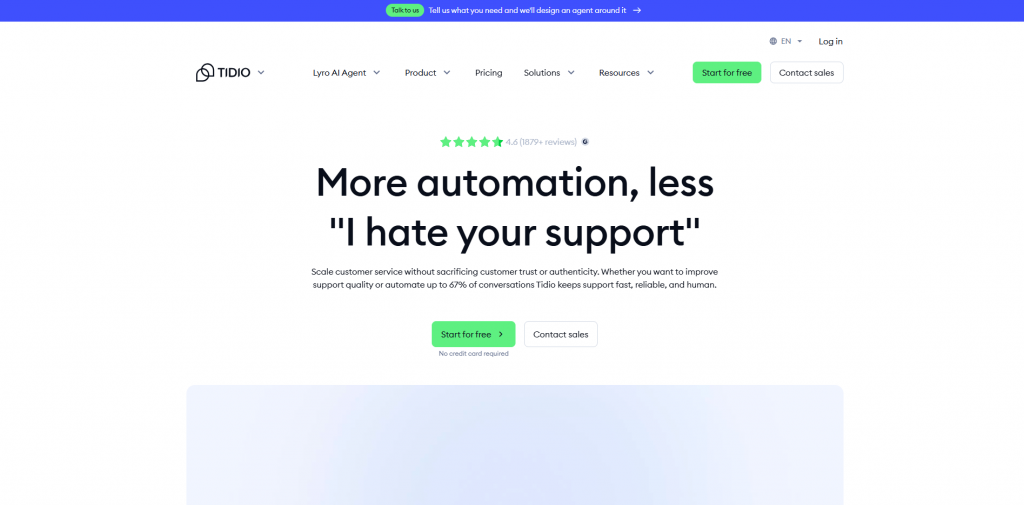
Tidio combines staffed website chat, ticketing, visitor tracking, and operating hours. Lyro handles automated conversations through a separate usage pack.
This makes Tidio a focused option when people still answer the live queue and AI capacity can be forecast independently. Compare Lyro’s packs with tools that can take store actions in the Tidio alternatives guide.
Tidio pricing begins at $24.17 per month for Starter with 100 billable human conversations and 50 one-off Lyro conversations. Growth is $49.17, while recurring Lyro conversation packs start at $32.50 for 50 automated conversations. Paid Lyro allowances renew 30 days after payment.
Tidio offers a familiar environment for staffed website support, pairing live chat with clear visitor tracking. Its Lyro AI focuses strictly on conversational FAQ answering rather than system actions, and capacity requires managing separate conversation packs alongside teammate seats.
Best for: Budget-conscious teams requiring a permanently free website chat widget with unlimited agents and sites.
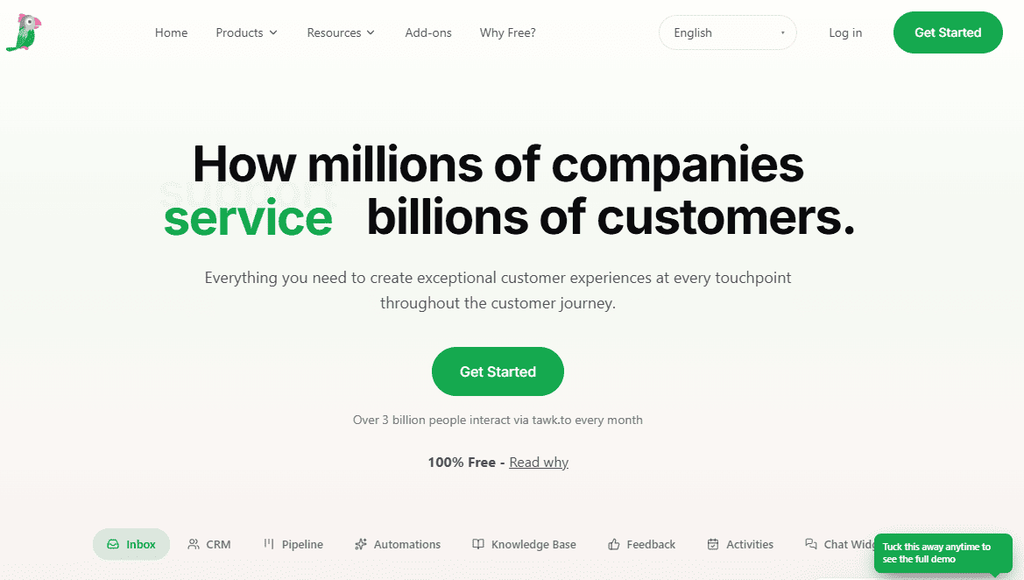
tawk.to keeps its core website chat software free when the team answers conversations itself. There is no agent, chat-volume, or site cap on the core product.
AI Assist, hired agents, and branding removal remain optional paid additions. The tawk.to alternatives guide compares other free and paid widget options.
The tawk.to FAQ confirms the core messaging app is permanently free with no caps on agents, chat volume, or concurrent sites. Paid add-ons on the add-ons page include AI Assist starting at $29 a month, white-label branding removal for $39 a month ($348 annually), and 24/7 hired live agents from $1 an hour.
tawk.to fits organizations where eliminating recurring software fees is the primary goal. It delivers capable real-time web messaging and ticketing without per-agent caps, leaving advanced AI automation and white-labeling as optional paid add-ons.
Best for: Teams running a rostered website chat shift that must answer visitors while they remain on the page.
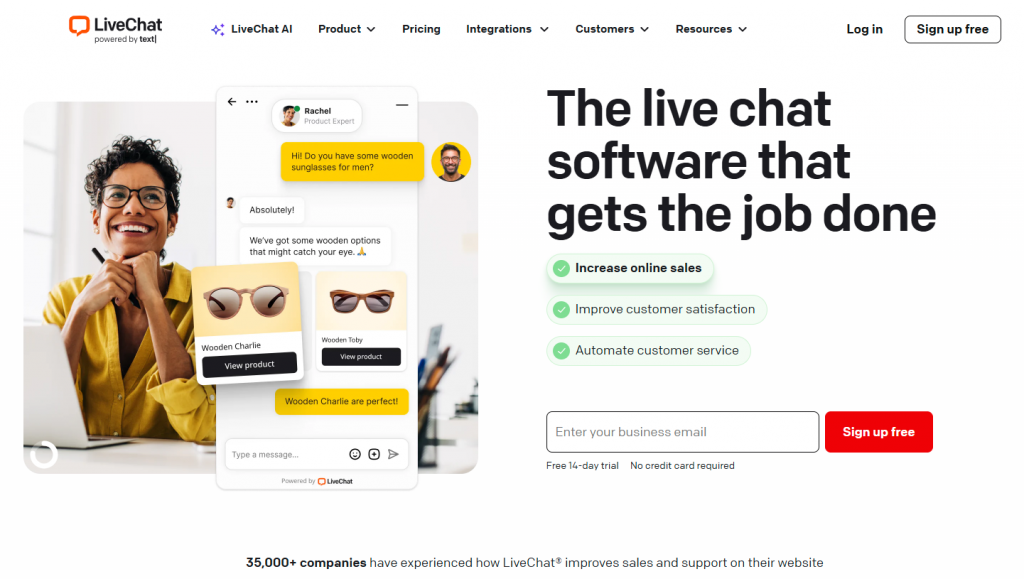
LiveChat focuses on real-time website conversations handled by people. Proactive invitations, visitor paths, saved replies, and transfers support the staffed shift.
The product bills per person, and the widget waits when nobody is available to answer. Automated resolution requires ChatBot as a separate product in the Text stack.
LiveChat pricing starts at $19 per person monthly on annual billing for Starter, $49 for Team, and $79 for Business. Automated bot answers require a separate ChatBot subscription starting at $52 a month.
LiveChat concentrates purely on agent-powered live chat on your website, backed by deep agent metrics, typing previews, and queue routing. Automated replies require purchasing the separate ChatBot companion app, shifting costs to an agent-seat model.
Best for: Teams that want a separate messaging inbox with WhatsApp and social channels and accept per-agent billing.
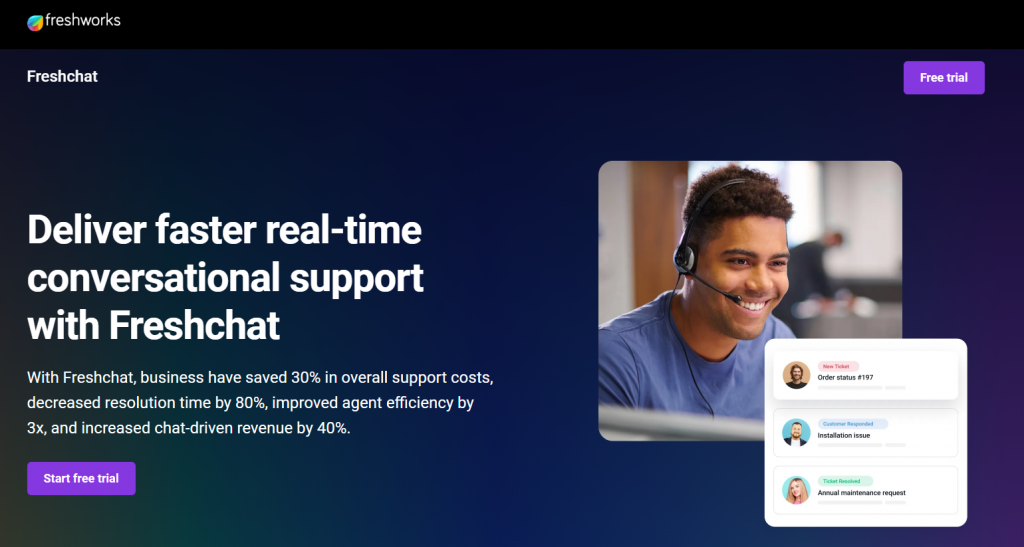
Freshchat is Freshworks’ messaging inbox, while Freshdesk is the ticketing product. Freshchat combines a shared inbox, website and mobile chat, connected email, and messaging channels.
Buying a Freshdesk seat does not include this inbox.
Freshchat pricing includes a free tier for up to 10 agents, with paid tiers at $19 for Growth, $49 for Pro, and $79 for Enterprise per agent monthly on annual billing. Paid tiers include 500 initial Freddy AI Agent sessions per account, after which additional usage costs $49 per 100 sessions. Freddy AI Copilot is an optional $29 per agent add-on.
Freshchat unifies WhatsApp, social messaging, and live website chat into a consolidated agent workspace. Organizations should note that Freshchat requires its own license even if Freshdesk is already in use, with fees tied to agent seats and metered Freddy AI session packs.
Best for: Privacy-oriented teams looking for self-hosted chat infrastructure or an open-source cloud inbox.
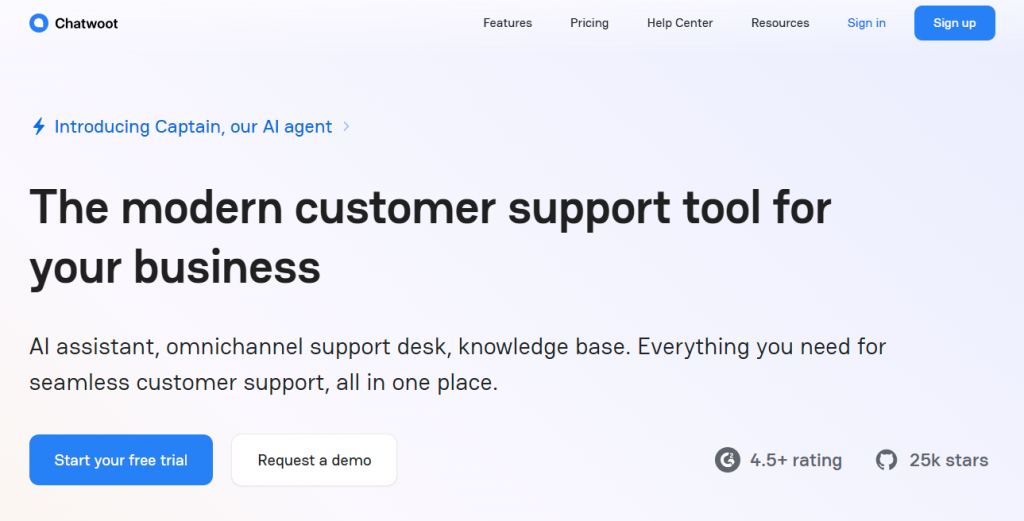
Chatwoot offers a cloud inbox and a self-hosted Community edition. Cloud plans cover live chat and add more channels, voice, and Captain AI as the plan rises.
Self-hosting changes who operates the service rather than simply making the managed cloud plan free. Confirm the current Community terms before choosing that path.
Cloud plans on Chatwoot pricing include a free Hacker plan for 2 agents, Startups at $19 per agent monthly on annual billing (with 300 Captain AI credits), Business at $39 (500 credits), and Enterprise at $99 (800 credits). Extra Captain capacity runs $20 per 1,000 credits. Self-hosting the open-source community edition on your own servers is free.
Chatwoot gives teams an open-source alternative with control over where customer messaging data lives. For teams preferring managed infrastructure, Chatwoot Cloud offers an agent-based subscription with Captain AI available on credit add-ons.
Best for: Teams whose real support desk is an email inbox with Docs and Beacon beside it.
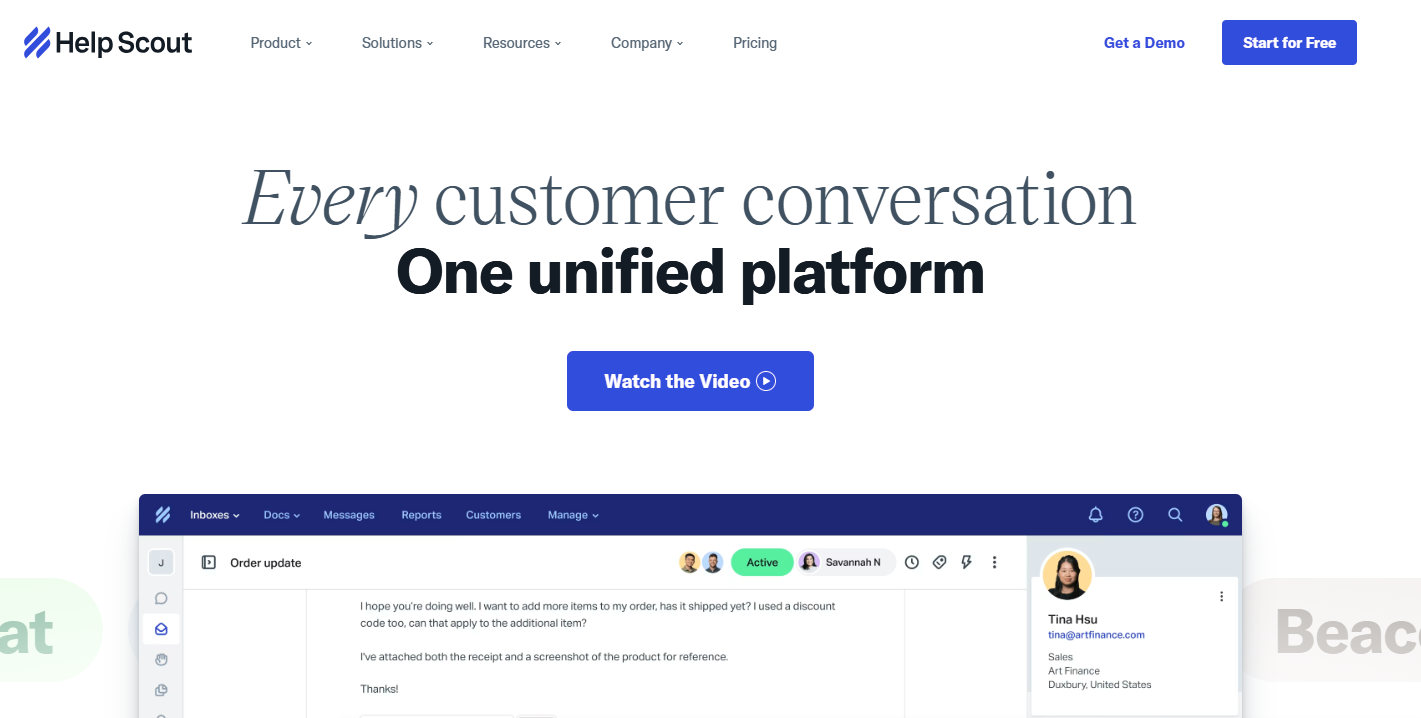
Help Scout organizes support around a shared mailbox rather than a chat-first workspace. Docs and Beacon add self-service content and customer contact surfaces, while AI Answers introduces resolution billing.
When a Beacon article answers the question, Help Scout treats that as deflection rather than an AI Answers resolution.
Help Scout pricing starts at $25 per user monthly on annual billing for Standard, $45 for Plus, and $75 for Pro. AI Answers costs $0.75 per resolution, waiving the fee when customers escalate or require human assistance. Additional shared inboxes run $10 a month on annual terms.
Help Scout centers your support operation around shared email mailboxes and customer documentation. Beacon brings chat and knowledge to your website, but the core experience favors thoughtful, asynchronous email support priced per user seat rather than synchronous chat workspaces.
Best for: Shopify teams that need order and refund work beside the support ticket.

Gorgias organizes customer support around ecommerce store management. Its ticket sidebar pulls live order history, shipping status, and customer profiles directly alongside conversations, letting support operators edit deliveries and issue refunds without leaving the thread. Compare other ticket-pack platforms in the Gorgias alternatives guide.
Gorgias pricing scales by monthly ticket volume rather than per-agent seats, starting from 50 monthly tickets up to enterprise tiers covering 5,000 or more tickets. Automated AI resolution operates on outcome fees alongside ticket volume tiers.
Gorgias is custom-engineered for ecommerce brands, embedding Shopify order data, delivery tracking, and refund tools right beside customer conversations. If your support queue revolves around online store fulfillment rather than generic chat, Gorgias replaces Crisp with direct ecommerce actions.
Best for: Maturing service organizations requiring multi-tier ticket routing, SLA controls, and enterprise reporting across departments.
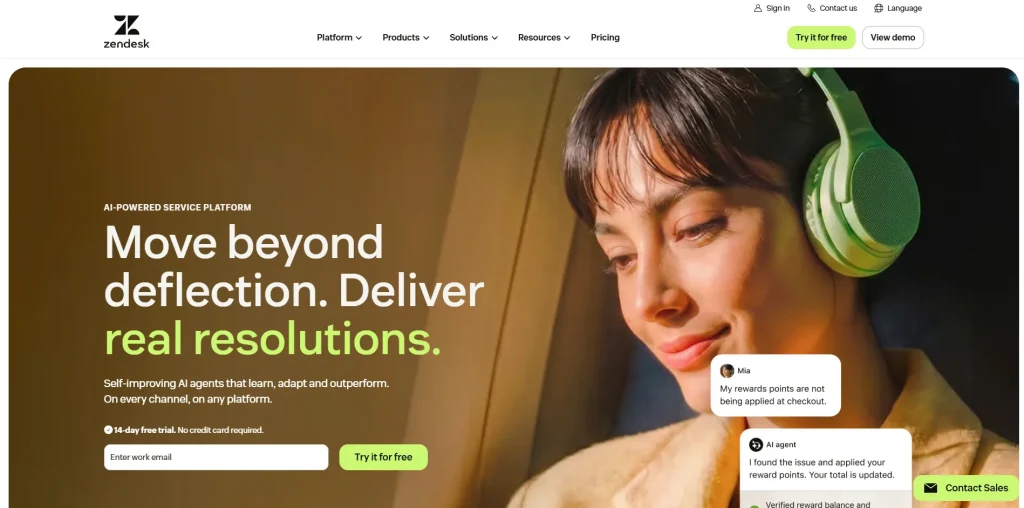
Zendesk combines ticketing, messaging, a help center, routing, and reporting through its Suite plans. Suite plans include AI agents, while Copilot works as a separate add-on for human agents.
This is a broader implementation than replacing a website widget. Compare other ticket desks in the Zendesk alternatives guide when the seat bill is the objection.
Zendesk pricing begins at $19 per agent monthly for basic ticketing on Support Team, with full omnichannel Suite Team at $55 and Suite Professional at $115 on annual billing. AI agent capacity is governed by monthly resolution allowances, while agent Copilot adds $50 per agent each month.
Zendesk provides the enterprise infrastructure, custom ticket routing, SLA management, and deep reporting that scaling service organizations eventually require. Migrating from Crisp involves a heavier operational rollout, with costs structured around per-agent licensing and AI resolution quotas.
The detailed reviews show what each product can cover. Use the table to build a shortlist around the work that must continue after your team replaces Crisp.
YourGPT is the Agent-led option in this comparison. Other platforms fit better when traditional ticket management, a permanently free widget, self-hosting, or Shopify order actions define the requirement.
| Primary Requirement | Platform | Look Elsewhere If |
|---|---|---|
| Agent-led support workspace | YourGPT | Traditional ticket creation and ticket lifecycle reports are required |
| Public help center and Fin | Intercom | You want to avoid seat charges combined with per-resolution billing |
| Staffed website chat | Tidio or LiveChat | You need automated resolution instead of waiting for a human shift |
| Free website widget | tawk.to | You need a full helpdesk or connected business actions |
| Messaging inbox | Freshchat | You expect a standard Freshdesk subscription to include it |
| Self-hosted inbox | Chatwoot | No one on the team will maintain deployment and updates |
| Email-led support | Help Scout | Live website chat is your main support channel |
| Shopify ticket work | Gorgias | The store does not run on Shopify |
| Full ticket desk and reporting | Zendesk | You want a lighter workspace without per-agent administration |
Do not migrate because another platform wins one feature. Keep Crisp when its seat allowance, per-workspace bill, channels, workflows, and monthly Hugo capacity fit the queue you already run.
Keep no more than two candidates. Name the billing unit for each one, then use a real Crisp conversation to test the capability that put it on the shortlist.
Published features do not prove that a product can handle the requests already entering your queue. Give each candidate the same sources, conversations, and pass conditions.
A resolution you cannot replay on a live conversation is still a demo.
Keep only the products whose behavior and cost can be reproduced. Ungated refunds, answers with no current source, and handoffs the human has to rewrite are launch blockers.
Keep Crisp available while the replacement proves its channels, sources, and handoff route. The overlap is part of the migration, not an optional precaution.
End the overlap only after current sources produce accurate answers, supported actions expose failures, and human conversations arrive with enough context to continue. Move one channel at a time.
YourGPT provides a dedicated Agent-led support workspace combining an autonomous AI Agent, verified source grounding, native live chat, and human escalation under one monthly credit pool. Intercom replaces both when an enterprise helpdesk with traditional ticketing and Fin AI outcomes fits the organization. For ecommerce stores, Gorgias pairs shared customer inboxes with native Shopify actions, while Tidio offers a staffed live-chat alternative with Lyro AI for website visitors.
Crisp’s Hugo functions primarily as a conversational drafting tool without autonomous system execution. Platforms like YourGPT execute live database queries, trigger custom API actions, and connect system webhooks during multi-step conversations. Intercom Fin Procedures can query connected tools, and Gorgias executes native Shopify actions like order edits and refunds. Test an authenticated lookup, an approved update, and an error response before treating any action integration as proven.
Traditional helpdesks treat AI as an add-on deflection bot bolted onto human ticketing queues. Foundation models left unconstrained can hallucinate or reflect inherent training biases. YourGPT makes support automation trustable by grounding every answer strictly in your verified documentation, enforcing confidence gating, and providing human-reviewed Smart Learning to eliminate model drift without per-seat licensing penalties.
No. Crisp exports contact profiles as CSV on Essentials and higher plans, but exporting full conversation message history requires the Crisp API or a migration tool. Workflows, triggers, plugin integrations, and teammate routing rules cannot be exported and must be rebuilt manually. Historical Crisp conversations do not train new AI models automatically, so teams should import clean help documentation, product guides, and verified support transcripts into the new knowledge base.
Replay real customer requests from your last 30 days of Crisp history rather than evaluating generic vendor demos. Test one policy question, one multi-turn troubleshooting inquiry, and one transaction requiring an authenticated account lookup or update. Verify answer accuracy, confirm that human escalations transfer complete context to operators, and keep Crisp active during a staged rollout before retiring the live embed.
Crisp states that included Hugo AI credits reset each monthly billing cycle, currently on the fourth day of the month. When switching plans or starting a paid tier, the updated allowance can take one to two hours to reflect after Crisp finishes payment processing.
Staying with Crisp is the right decision when your support queue runs comfortably on staffed live chat, simple FAQ deflection, and a single shared workspace. If you need AI based system Crisp and Hugo might not be good fit .
When your team needs to eliminate hallucinations, automate multi-step customer inquiries, and execute live API actions, an autonomous Agent-led workspace like YourGPT provides the natural upgrade. Connecting your historical support conversations and live help sources enables genuine end-to-end resolution across web, WhatsApp, and social channels, while native live chat ensures human teammates step in with full context whenever human judgment is required.
Different operational priorities point toward specialized alternatives. Choose Intercom or Zendesk when formal ticket lifecycles, complex multi-department routing, and enterprise SLA reporting are non-negotiable. Choose Gorgias when Shopify order histories, refunds, and fulfillment tracking define your daily queue. Opt for Tidio or LiveChat when human agent shifts on the website take precedence over automation, or tawk.to when an unmetered, permanently free chat widget is the only requirement.
Whichever platform you shortlist, test it against real Crisp conversations before committing. Replay an account lookup, a multi-turn troubleshooting inquiry, and a human escalation to verify both resolution accuracy and total cost under realistic volume. Maintain a short overlap with Crisp during rollout to confirm that live traffic routes cleanly, ensuring your support operations never miss a message during the transition.
Connect your help documentation, test live API actions in web chat, and transition your support queue without missing a message.

TL;DR Salesforce offers powerful CRM capabilities, but implementation and ongoing management can increase costs for smaller teams. Pipedrive and Nutshell simplify pipeline management, while HubSpot and Zoho CRM offer broader automation. Freshsales, monday CRM and Copper suit specific workflows. For customer support and lead qualification, YourGPT Chatbot works alongside your CRM, starting at $39/month billed […]
TL;DR Yellow.ai has spent a decade building an enterprise conversational AI platform out of Bangalore, and in 2026 it is asking Wall Street to value it at half a billion dollars while cutting a third of its staff and rebuilding its core product around a new “agentic interface” called Nexus. Both moves showed up in […]

Prepare a replacement support agent, test real requests and human handoff, then switch the storefront while keeping ownership of unfinished conversations.

The reader can shortlist one or two platforms by primary job, existing stack, action depth, handoff, governance, and billing unit.
A practical breakdown of Gorgias Helpdesk and AI Agent pricing, including what counts toward each allowance, how to compare plans and how to budget with your own volumes.
Choose Halloween ecommerce campaigns that fit your products, with AI agent workflows, offer worksheets, launch tests and order measurement.