The Complete Guide to Training an AI Chatbot on Your Data

Rohit Joshi
January 15, 2025

Training an AI chatbot on your own data is the single biggest factor in making it accurate, reliable, and actually useful for your business.
Most companies store their knowledge in scattered places, such as PDFs on shared drives, product pages on the website, SOPs in Google Docs, client notes in Notion, and support answers buried in chat logs.
Without connecting these sources, your AI cannot access the complete context, which often leads to generic, incomplete, or incorrect answers.
With YourGPT’s multi-source data integration, you can bring all that data source information together without writing a single line of code and instantly train a custom GPT chatbot that understands your business thoroughly.
From automating customer support to running internal knowledge bases, YourGPT lets you connect your data, keep it updated, and deploy your AI chatbot anywhere, including your website, WhatsApp, Slack, and more.
Most AI chatbots, including popular ones (like ChatGPT and Gemini), are trained on broad public internet data. This allows them to speak in general terms, but they cannot answer the specific questions your customers, employees, or partners have about your business.
When your AI doesn’t have access to your internal documents, product specs, helpdesk archives, or company policies, you get:
Training a GPT chatbot on your own business data solves this by:
From connecting PDFs to crawling your website or pulling from Notion and Google Drive, a multi-source data integration approach ensures your AI works like a knowledgeable team member, not a generic search engine.
Multi-source data integration is the process of training your AI using information from all your business systems, such as documents, websites, cloud apps, videos, and chat histories. By bringing this data together, your AI chatbot can understand the complete context of your operations.
Instead of training your chatbot on a single source (like just your help center or just your website), multi-source integration lets you combine everything into one unified knowledge base. This means your AI can:
This centralized AI training approach changes a basic FAQ chatbot into a context-aware GPT agent that understands your business the way an experienced employee would.
With YourGPT, you can achieve this without writing any code. Simply connect your data sources, set how you want the AI to interpret them, and begin training. There is no need for tedious copy-pasting or dealing with technical complications.
When you’re building a chatbot that needs to understand your business, you’ll hear two common approaches:
Fine-tuning means retraining the AI model itself using your specific data. This method permanently adjusts the model’s internal “weights” so it learns your terminology, tone, or specialized knowledge. It’s useful for:
So what is the downside?
Fine-tuning is slow, costly, and requires retraining whenever your data changes, which means it remains static. For businesses with new products, updated policies, or evolving FAQs, this approach can be impractical.
RAG works differently. Instead of baking your data into the AI model itself, it:
Because the data lives outside the model, you can update sources instantly without retraining.
Here is a comparison we put together to help you understand the differences more clearly.
| Feature | Fine-Tuning | RAG (Retrieval-Augmented Generation) |
|---|---|---|
| Update Speed | Requires full retraining (hours/days) | Instant updates via auto-reindexing |
| Cost | High (compute + engineering) | Low (no retraining costs) |
| Data Freshness | Static snapshot at training time | Always uses the latest version |
| Multi-Source Capability | Limited, usually one dataset | Combine multiple data sources (PDFs, websites, Notion, etc.) |
| Security & Privacy | Data embedded in the model | Data stored securely, retrieved on-demand |
| Best For | Stable, niche domains | Dynamic, evolving business knowledge |
Why RAG Is a Better Choice than Fine-Tuning for Most Businesses?
For most real-world use cases, such as support, sales, and internal knowledge, RAG is a faster, safer, and more cost-effective option. It keeps your AI accurate without long retraining cycles and can easily scale as your data sources grow.
YourGPT is also provide advance RAG with multi-source data integration, so you can:
One of the biggest reasons AI chatbots fail is that they don’t have access to all of your business data.
“We have the data… but our AI doesn’t know it.”
The problem? Your knowledge is trapped in silos:
These systems do not have a centralised point where they can be accessed, so your AI ends up working with only a fraction of the information it needs.
When your data is fragmented, you run into four major business risks:
| Reduced Efficiency | Employees waste time searching for information across multiple platforms. |
| Inconsistent Information | Different departments may operate with conflicting or outdated data. |
| Poor Decision-Making | Lack of a unified view hinders informed strategic choices. |
| Missed Opportunities | Inability to connect data points can obscure valuable insights. |
YourGPT’s multi-source data integration directly tackles these challenges by creating a centralized knowledge base for your AI agents.
An AI chatbot is only as accurate as the information it can access. If parts of your business knowledge are out of reach, it will inevitably miss details or provide the wrong answers.
YourGPT solves this with multi-source data integration. Without writing any code, you can connect all the sources, so your chatbot always works with complete and current information.
All connected data is ingested and organised automatically, removing silos and giving your AI agent the ability to find accurate answers from your entire knowledge base in seconds. You can also view the original source of the document used to train the AI.

YourGPT supports the following data sources:
Suggested Reading: Find all resources to help you train YourGPT here
| Higher Accuracy | Train on full context from your business, not generic internet data |
| Better User Experience | AI agents reply with relevant, up-to-date answers |
| Faster Setup | No need to copy-paste data manually—just connect |
| Scalability | Add new sources or update data anytime with zero coding |
| No-Code Simplicity | Ideal for teams without technical expertise |
This improves both customer-facing AI and internal AI assistants.
With YourGPT, you do not need to be a developer or data scientist to train an AI chatbot on your business data. within minutes, you can turn scattered information into a fully deploy powerful AI chatbot that is accurate, secure, and always up to date.
Here’s how you can start training your AI on business data within minutes using a simple multi-source data integration process:
Sign up for YourGPT (no credit card required) to access the no-code chatbot builder. You’ll be able to create multiple AI agents for different teams, products, or use cases.
Choose from 15+ integrations to pull in your business knowledge:
Tip: For large datasets, start with your most frequently accessed content (e.g., help center, product manuals, or policy docs) so your chatbot can begin answering the most common queries first.
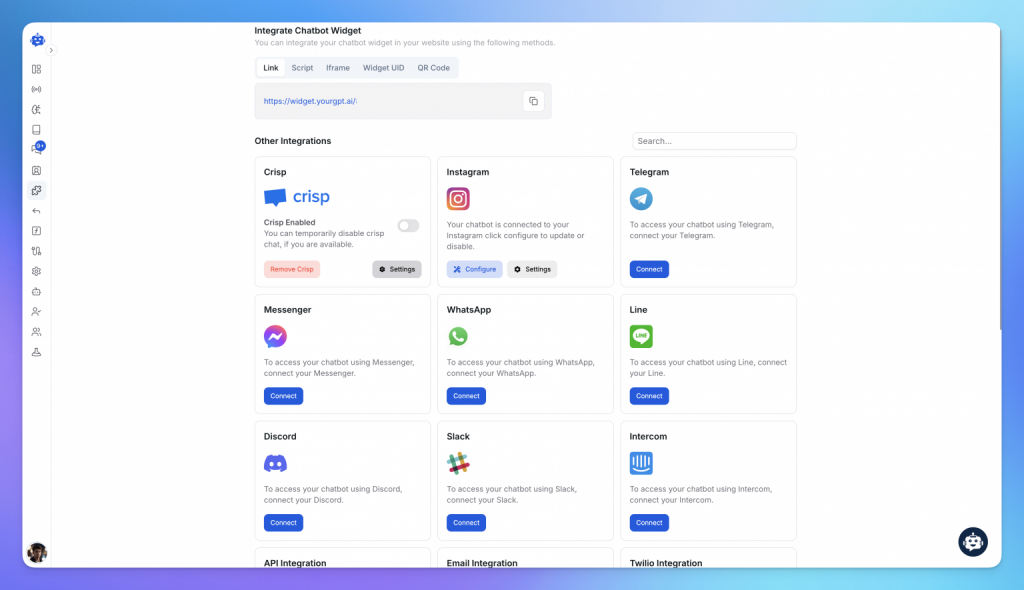
Define how your chatbot should use your data:
Enable auto-reindexing so your chatbot always has the latest content (no retraining required). If you update a PDF in Google Drive or add a new Notion page, YourGPT automatically refreshes its knowledge.
Ask it real-world questions from your customer or employee perspective. Review:

Embed your chatbot on your website, add it to WhatsApp, connect to Slack, or use it as an internal knowledge assistant for your team.
YourGPT supports a wide range of business applications by training AI agents on your real data from websites, documents, cloud tools, and more. Below are high-impact use cases showing how different teams can benefit from multi-source data integration.
Most businesses already have the knowledge they need—it’s just scattered across tools, documents, and teams. Without connecting that data, even the best AI agents fail to respond accurately.
YourGPT makes it simple to train reliable AI agents using all your existing sources, without code or complexity. Whether you are handling customer queries, guiding product decisions, or supporting internal teams, multi-source data integration gives your AI the complete context it needs.
By centralizing your data with YourGPT, you reduce repetitive tasks, improve user experience, and scale faster without relying on fragmented systems or limited chatbot logic.
If you want to build AI that truly understands your business, start with YourGPT’s multi-source AI agent platform and train smarter from the start.
Join thousands of businesses using YourGPT AI Chatbot to automate support, sales, boost engagement,more.
No credit card required • Full access • Cancel anytime
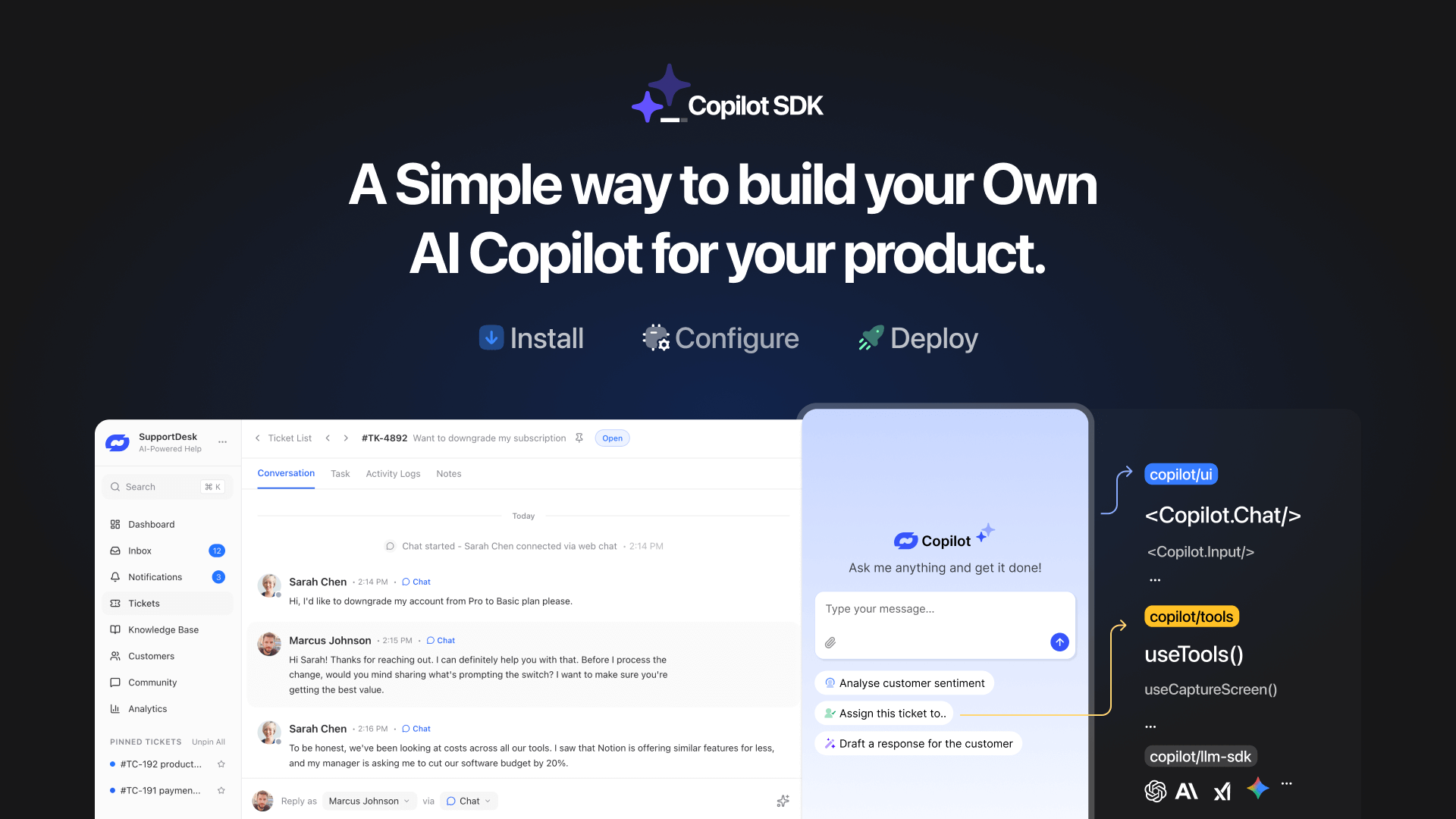
TL;DR YourGPT Copilot SDK is an open-source SDK for building AI agents that understand application state and can take real actions inside your product. Instead of isolated chat widgets, these agents are connected to your product, understand what users are doing, and have full context. This allows teams to build AI that executes tasks directly […]

Businesses today expect AI to do more than answer questions. They need systems that understand context, act on information, and support real workflows across customer support, sales, and operations. YourGPT is built as an advanced AI system that reasons through tasks and keeps context connected across every interaction. This intelligence sits inside a complete platform […]
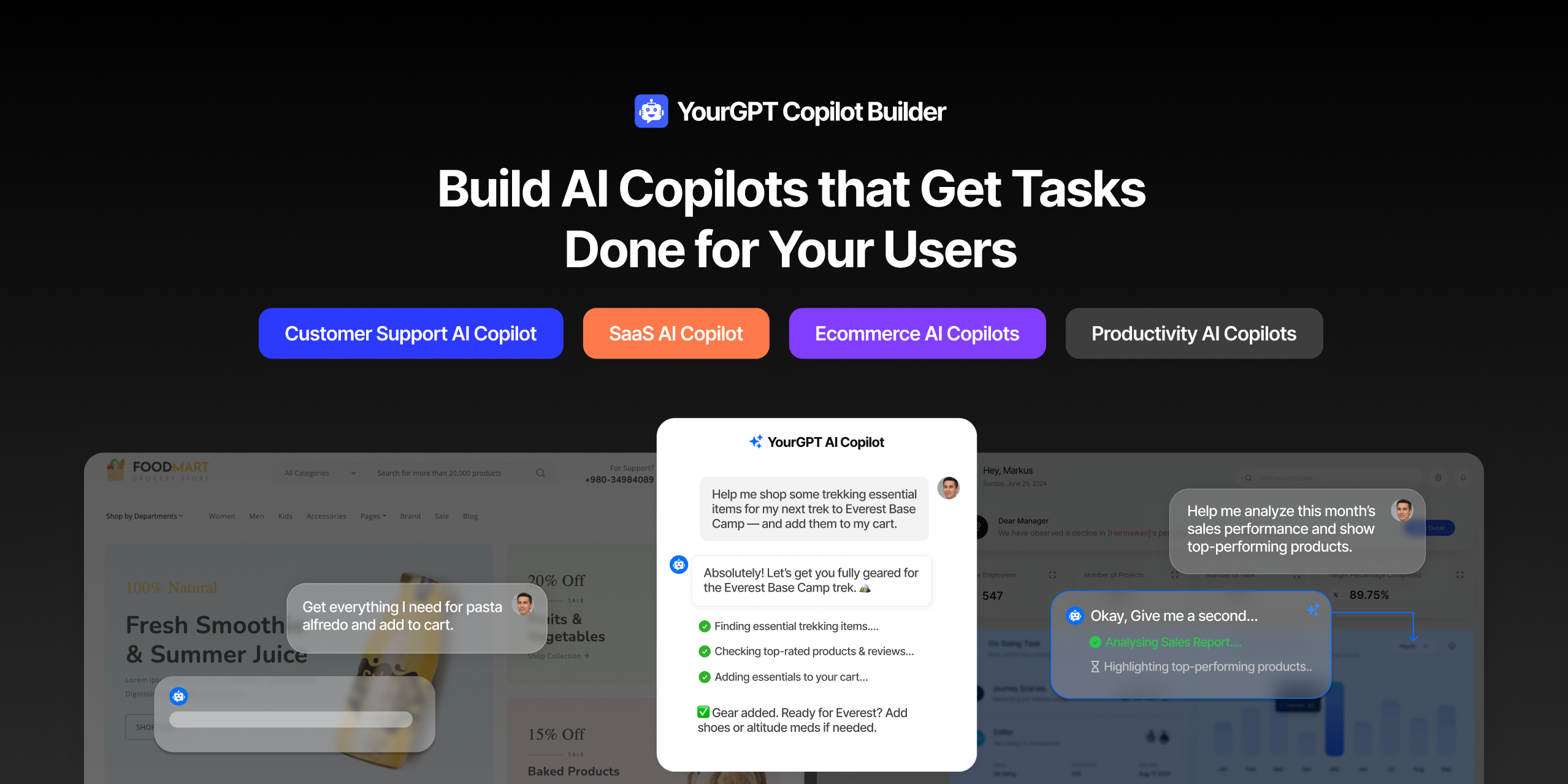
AI can help you finds products but doesn’t add them to cart. It locates account settings but doesn’t update them. It checks appointment availability but doesn’t book the slot. It answers questions about data but doesn’t run the query. Every time, the same pattern: it tells you what to do, then waits for you to […]

GPT-driven Telegram bots are gaining popularity as Telegram itself has 950 million users worldwide. These AI Telegram bots allows you to create custom bots that can automate common tasks and improve user interactions. This guide will show you how to create a Telegram bot using GPT-based models. You’ll learn how to integrate GPT into your […]


TL;DR The 10 best no-code AI chatbot builders for 2026 help businesses launch quickly and scale without developers. YourGPT ranks first for automation, multilingual chat, and integrations. CustomGPT and Chatbase are ideal for data-trained bots, while SiteGPT and ChatSimple focus on easy setup. Other options like Dante AI, DocsBot, and Botsonic specialize in workflows and […]

GPT Chatbot for Webflow: The Key to Exceptional Customer Service Providing great customer service is essential for any business, but managing a high volume of inquiries can be a challenge.If you use Webflow, integrating a webflow chatgpt can simplify this process. This AI-powered webflow chatbot offers consistent, personalised responses to customer queries, helping you manage […]